How to Quickly Share All My Projects With a Single Link
TL;DR
You have projects scattered across GitHub, Behance, YouTube, Google Drive, and half a dozen other platforms. You need one link that showcases all of it. This guide ranks six methods to share all your projects with a single link, from a 30-second AI-generated profile to a weekend coding project. The fastest option is an AI profile builder like KnolMe that imports your existing content and builds a page automatically. If you prefer manual control, link-in-bio tools, one-page builders, and static site generators all work, with tradeoffs in speed, design depth, and cost.
The Problem: Your Work Lives Everywhere
You have a GitHub repo, three YouTube walkthroughs, a case study PDF, a Figma prototype, and a Spotify playlist from that one podcast appearance. A recruiter asks for your portfolio. You freeze, open six tabs, and start copy-pasting URLs into a message that looks like spam.
This is the scattered identity problem, and it’s worse in 2026 than ever. Instagram gives you one bio link. LinkedIn buries your best work below the fold. Email signatures have room for maybe two URLs. Practitioners on DEV Community have called this out directly: most portfolio solutions “ignore storytelling” and leave “no room for your story, just buttons to click.”
The question isn’t whether you need a single link for all your projects. The question is how fast you can get one live.
Quick Comparison Table
Before the deep dive, here’s how the six methods stack up across the dimensions that matter most.
| Tool | Free Plan | Paid From | Custom Domain | Setup Speed | Rich Embeds | AI Build | Best For |
|---|---|---|---|---|---|---|---|
| KnolMe | Yes (1 profile, 80 AI credits) | $2.99/mo | Pro ($2.99/mo) | ~30 seconds | YouTube, Bilibili, Spotify, PDFs, images | Full AI | Developers, students, job seekers |
| Linktree | Yes (unlimited links) | $8/mo | Pro ($15/mo) | ~5 min | Limited | No | Social media creators |
| Carrd | Yes (3 sites) | $9/year | Standard ($19/yr) | ~30 min | Limited on free | No | Indie hackers, freelancers |
| Beacons | Yes (store + email) | ~$10/mo | Pro (~$30/mo) | ~10 min | Video, music, images | Partial | Creators selling products |
| Notion | Yes | $10/mo | No | ~20 min | Basic | No | Existing Notion users |
| GitHub Pages | Yes | Free | Yes (manual DNS) | Hours to days | Custom code only | No | Developers who code |
Now let’s walk through each option in detail, starting with the fastest.
1. KnolMe (AI Profile Builder)
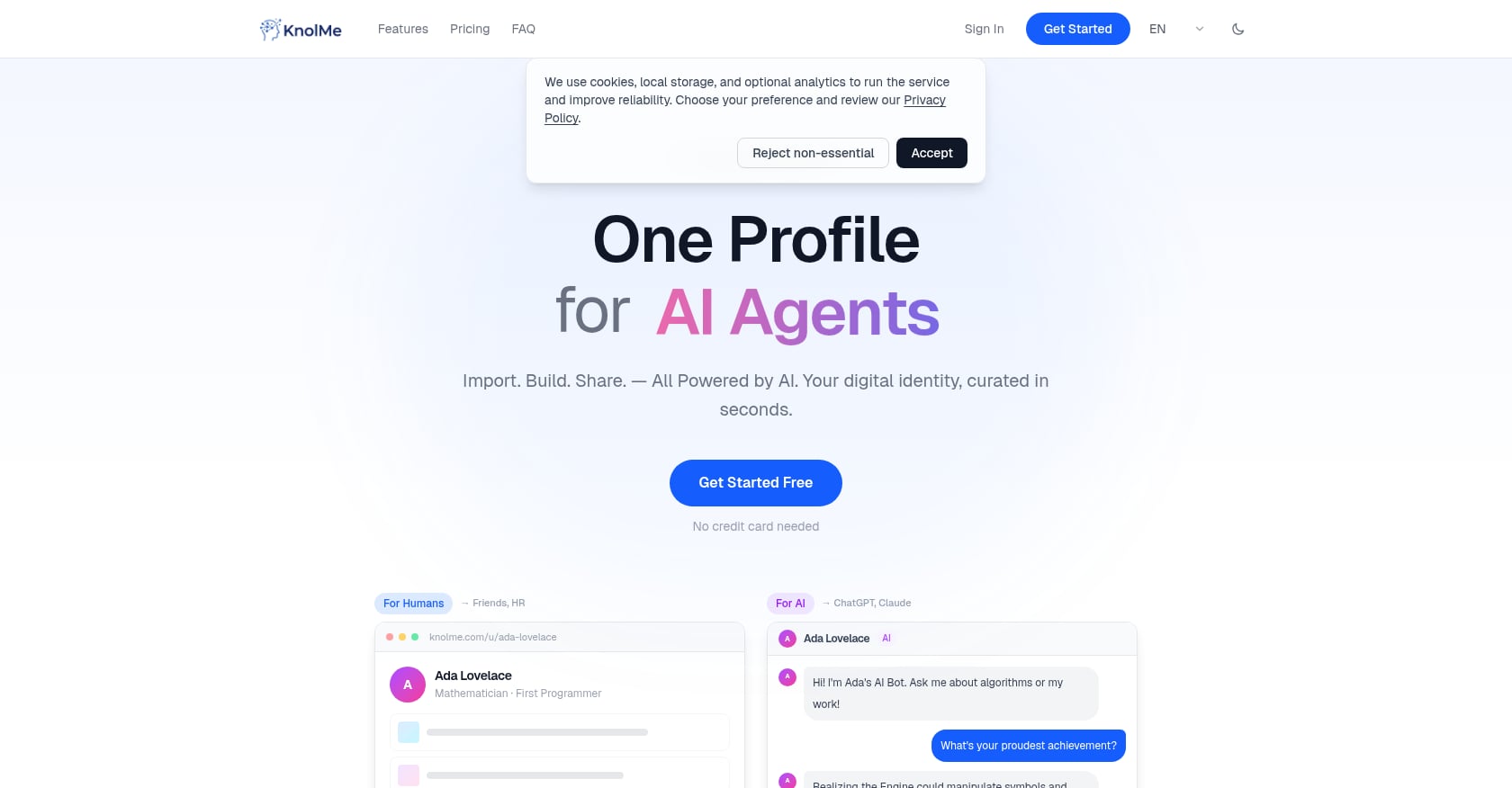
Best for: Developers, students, and job seekers who want a professional project portfolio live in under a minute.
Pricing: Free plan at $0/month with 1 profile and 80 AI credits. Pro at $2.99/month with up to 20 profiles, 1,000 AI credits, no KnolMe branding, custom domain support, and private access control. Credit packs available: 100 credits for $0.99, 300 for $1.99, 800 for $3.99.
This is the fastest way to share all your projects with a single link. The workflow: paste a GitHub URL, any project URL, or upload a résumé PDF. The AI extracts your information, proposes multiple page designs, and builds a complete profile in roughly 30 seconds. You edit through chat rather than dragging elements around a canvas.
Key features:
- Import from GitHub URLs, any web URL, résumé PDFs, or even ChatGPT/Claude memory
- AI proposes multiple page style designs and handles layout automatically
- Rich embeds for YouTube, Bilibili, Spotify, PDFs, and images with drag-to-reorder
- AI Digital Twin lets visitors chat with a bot trained on your knowledge base
- One-click readability for AI agents like ChatGPT and Claude
- Custom domains and privacy controls on Pro
- Available in English and Chinese
Tradeoffs:
- AI-generated content can be inaccurate and needs manual review before publishing
- Voice cloning feature is synthetic, not a true recording
- Focused on personal profiles, not full multi-page websites or deep CMS functionality
- Relies on third-party AI providers (OpenAI, Anthropic, Google Gemini)
The AI-building approach represents the biggest shift in this space in 2026. The industry has moved from “pick a template, fill in fields” to “paste a URL, AI does the rest.” None of the top-ranking pages for this query even mention AI auto-building as a selection criterion, which tells you how new this category is.
To see what a finished page actually looks like, check out this example KnolMe profile or this one showcasing project embeds.
If you already have documents and want to understand the import process better, the guide on generating a web profile from existing documents walks through it step by step.
Try KnolMe free, no credit card required
2. Linktree (Link-in-Bio Tool)
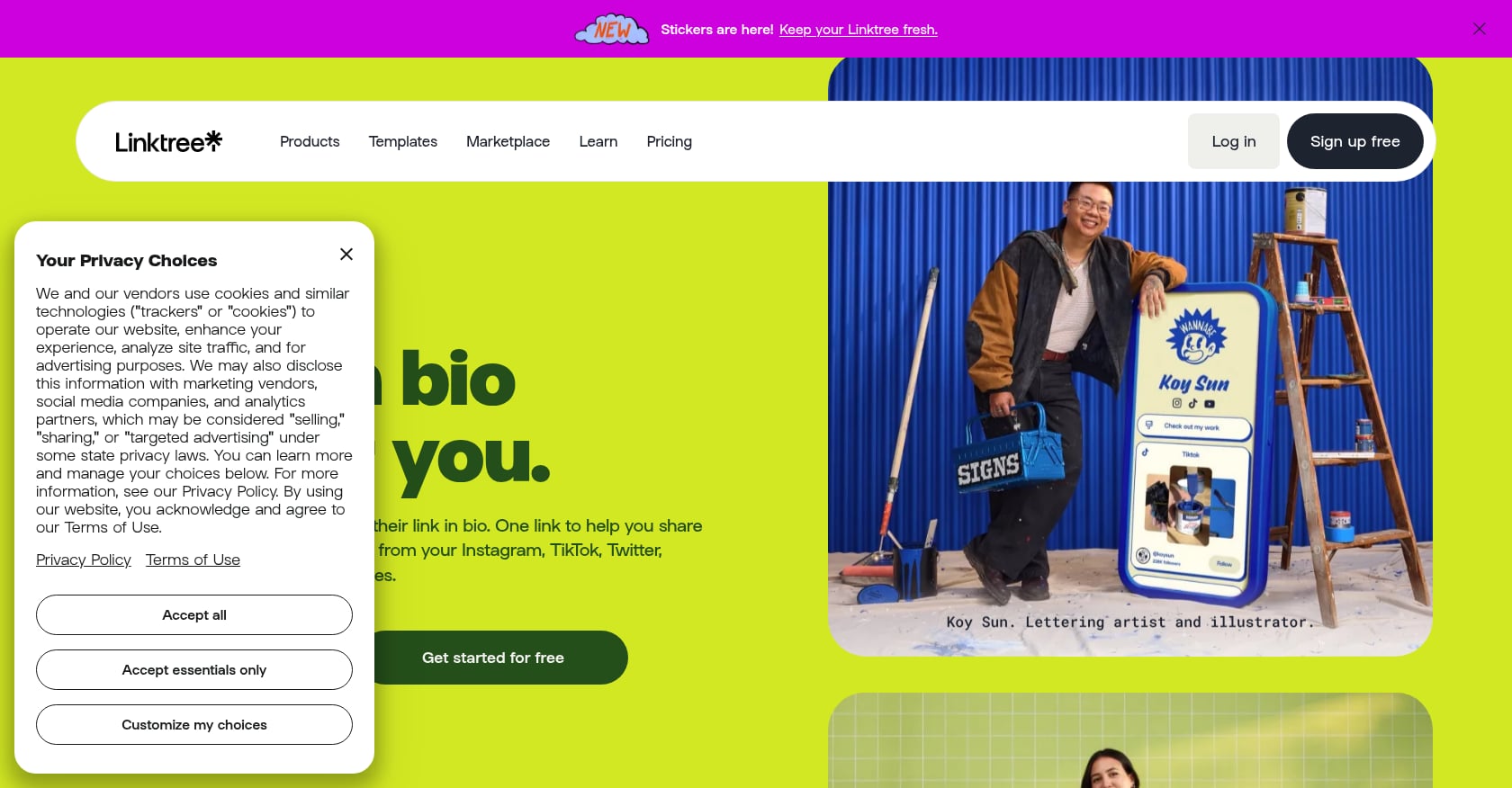
Best for: Social media creators who need a simple list of link buttons, fast.
Pricing: Free at $0 with unlimited links and basic appearance options. Starter at $8/month ($6 annual). Pro at $15/month ($12 annual) with advanced analytics, SEO controls, and monetization. Premium around $35/month.
Linktree is the tool most people think of first, and for good reason. It’s the market leader in link-in-bio pages, and setup takes about five minutes. You add links, arrange them, pick a theme, and share your URL.
Key features:
- Unlimited links on all plans including free
- Core analytics on paid plans
- Priority link ordering, scheduling
- Commerce tools for selling on higher tiers
Tradeoffs:
- Free plan has no per-link analytics (you can’t see which specific links your audience clicks)
- Linktree branding on free pages, no custom domain below Pro ($15/month)
- 12% transaction fee on free plan sales, dropping to 0% only on Premium
- It’s a link list, not a portfolio. There’s no room for project context, descriptions, or embedded media that tells a story
Here’s the honest distinction: Linktree shares links to your projects. It doesn’t showcase your projects. If a recruiter clicks your Linktree, they see buttons. They still have to click through to GitHub, then to YouTube, then to your PDF, piecing together who you are from five different tabs.
Many creators report switching away from Linktree’s free plan for better customization and analytics. If all you need is link buttons for an Instagram bio, it works. If you want visitors to actually understand your work from a single page, it falls short.
3. Carrd (One-Page Site Builder)
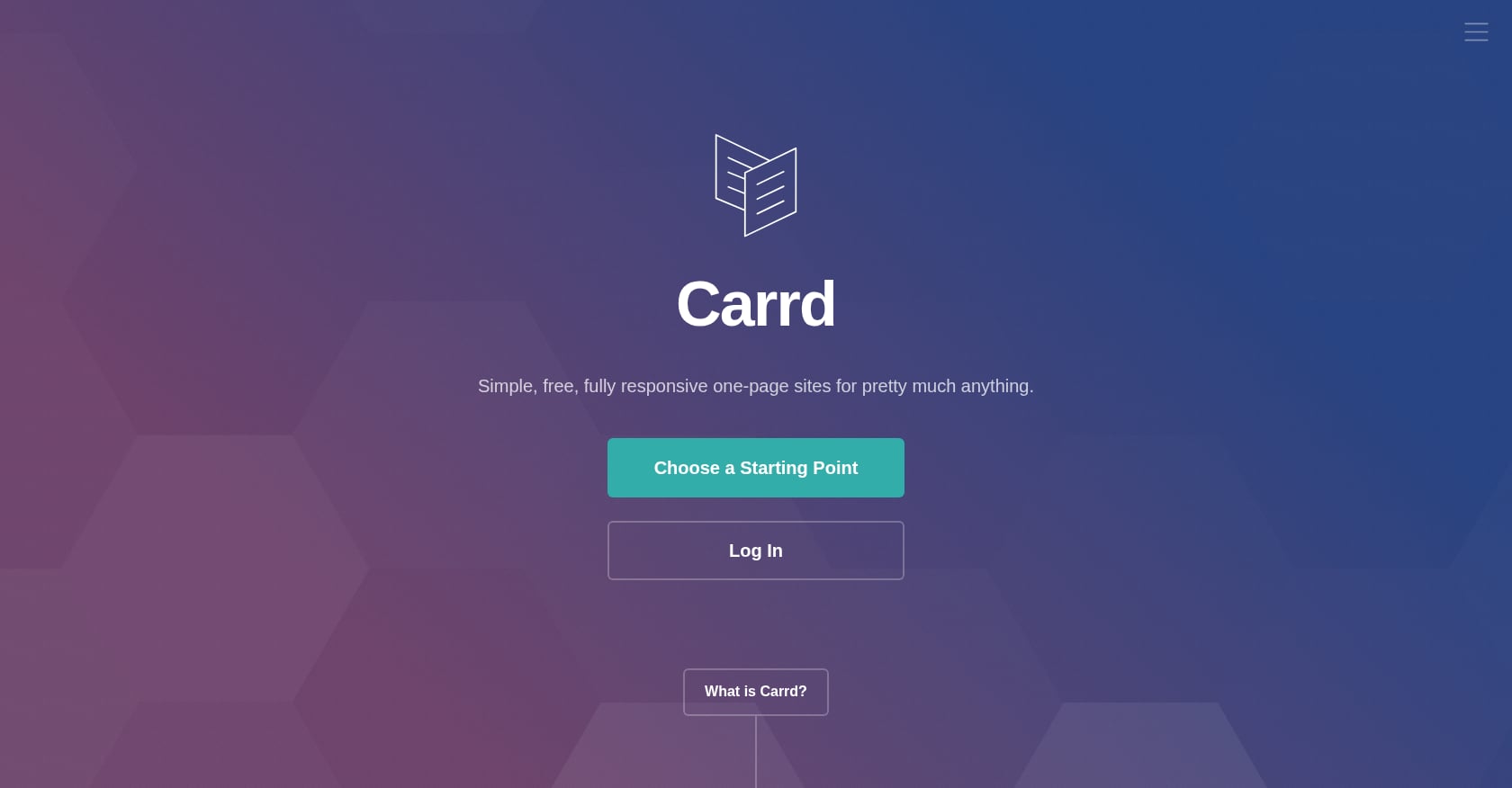
Best for: Indie hackers and freelancers who want pixel-perfect design control on a tiny budget.
Pricing: Free plan at $0 with up to 3 sites. Pro Lite at $9/year (3 sites), Pro Standard at $19/year (10 sites), Pro Plus at $49/year (25 sites). Those are annual prices, not monthly.
Carrd is the budget champion. For less than $20 a year, you get a custom domain, forms, embeds, and complete design control over a single-page site. The editor uses blocks rather than full drag-and-drop, so there’s a learning curve, but the results can look genuinely polished.
Key features:
- Full design control with a block-based editor
- Custom domains starting at $19/year
- Forms and widgets on paid plans
- Responsive by default
Tradeoffs:
- One page only, no separate pages (you simulate navigation with anchor links)
- Free plan has no custom domain, no forms, no embeds, and a “Made with Carrd” footer
- No AI assistance. Everything is manual
- Expect 30 minutes to an hour for initial setup, longer if you’re particular about design
- No per-link click analytics
Carrd is unbeatable for people who want a cheap, good-looking one-page site and don’t mind spending time on it. But the keyword here is “quickly,” and manual block-by-block building is the opposite of quick. It also doesn’t solve the project embedding problem well on the free tier.
4. Beacons.ai (Creator Monetization Platform)
Best for: Content creators who sell digital products and need a bio link that doubles as a storefront.
Pricing: Free plan includes a link-in-bio page, digital product store, media kit builder, invoicing, and 250 email sends per month. The catch is a 9% commission on sales through the platform. Creator Pro runs about $30/month.
Beacons packs a surprising amount into its free tier. You get email marketing, a store, media kits, and a customizable page. For creators running a small business from their social profiles, it consolidates tools you’d otherwise pay for separately.
Key features:
- Store, email marketing, and invoicing included free
- Media kit builder for brand deals
- Video, music, and image embeds
- AI-assisted bios (partial AI support)
Tradeoffs:
- 9% commission on all free plan sales adds up fast
- Custom domain requires the ~$30/month Pro plan
- Every module hits “good enough” without excelling, as practitioners have noted. Email lacks the automation depth of dedicated platforms, and the store lacks checkout optimization
- Overkill for developers or students who just want to showcase projects without selling anything
If you’re a creator with products to sell, Beacons is compelling. If you’re a developer trying to quickly share all your projects with a single link for job applications, most of its features are irrelevant.
5. Notion (Shared Page)
Best for: People already living in Notion who want zero additional tools.
Pricing: Free for personal use. Plus at $10/month.
The DIY approach: build a Notion page with your projects, toggle “Share to web,” and copy the link. Some people sell Notion portfolio templates on Gumroad that help you “showcase your services, past projects, client testimonials, and contact info, all in one sleek, shareable Notion page.”
Key features:
- Zero learning curve if you already use Notion
- Database views, toggles, and rich text formatting
- Free
Tradeoffs:
- No custom domain on any plan
- Limited design control. It looks like a Notion doc because it is one
- Slow load times, especially on mobile
- Not indexed well by search engines
- No analytics, no AI features, no embeds beyond basic bookmarks
Notion works as a quick internal share, like sending a project overview to a colleague or supplementing a job application. It doesn’t work as a long-term professional profile. Your URL will be something like notion.site/yourname/portfolio-a3f8b2c, which isn’t exactly memorable.
6. GitHub Pages (Static Site)
Best for: Developers who want total control and treat their portfolio as a coding project.
Pricing: Free with a GitHub account.
You can host static websites directly from a GitHub repository using GitHub Pages. It’s free, it supports custom domains, and you own everything. For developers, that matters.
Key features:
- Complete control over design and functionality
- Free hosting with custom domain support
- Version-controlled content via Git
- Works with static site generators like Jekyll, Hugo, or Astro
Tradeoffs:
- Requires HTML, CSS, and JavaScript knowledge (or comfort with a static site generator)
- Setup takes hours to days, not minutes
- No AI building, no drag-and-drop, no interactive features without coding them
- Maintenance falls entirely on you
- Not a realistic option for non-developers
GitHub Pages is the right answer for a specific person: someone who enjoys coding, wants a project to put on their portfolio about building their portfolio, and doesn’t mind spending a weekend on it. For everyone else asking how to quickly share all projects with a single link, it’s the slowest path here. If you’re a developer who wants the speed of AI with the depth of a real portfolio, consider importing your GitHub directly into an AI-powered profile instead.
Tips for Making Your Single Link Actually Work
Getting the link live is step one. Making it effective is step two.
Use a short, readable URL. Treat your portfolio link like part of your visual identity. A clean slug like knolme.com/janedoe reads better in an email signature than a 60-character hash. If your tool supports custom domains, that’s even better for brand recognition. Learn more about what custom domains cost and how to set them up.
Keep the link stable. Don’t change your portfolio URL every time you switch tools. Recruiters bookmark things. Hiring managers forward emails. A broken link is worse than no link.
Tailor what’s visible by audience. Not every viewer needs the same page. A recruiter cares about your work history and technical projects. A potential client wants case studies and testimonials. If your tool supports private access controls, use them to create focused views for different audiences.
Test how the link previews. Before you paste your portfolio link into a DM or email, send it to yourself first. Check the Open Graph preview (the card that appears in Slack, iMessage, LinkedIn). A broken preview card signals carelessness.
Update regularly. A stale portfolio is worse than no portfolio. If your last project entry is from 2024, it raises questions. AI-powered tools that import from live URLs make this easier because you can re-import and refresh content in seconds.
You can see what a well-organized single-link portfolio looks like in practice.
Why “Show Your Projects” Beats “List Your Links” in 2026
Every top-ranking page for this query is a link-in-bio tool listicle aimed at Instagram creators. That misses the point for the growing number of developers, students, freelancers, and professionals searching for how to share all their projects with a single link.
The distinction matters: a link list sends people away from your page to understand your work. A project portfolio keeps them there, showing embedded demos, case studies, videos, and documents in context.
Proof of work beats polished profiles. Hiring in 2026 rewards people who show their execution, not just maintain a clean bio. When your work is visible, complete with code repos, design mockups, video walkthroughs, and written case studies, you remove the guesswork for anyone deciding whether to hire you.
AI agents need context, not buttons. This is the angle nobody is talking about yet. ChatGPT, Claude, and other AI assistants are increasingly used to research people, whether by recruiters, collaborators, or automated workflows. A page full of link buttons gives an AI agent almost nothing to work with. A page with rich project descriptions, embedded media, and structured content becomes a machine-readable knowledge base that AI can learn from in one pass.
Platform risk is real. Read.cv, a portfolio platform beloved by creatives and developers, shut down on May 16, 2025. Thousands of users lost their canonical portfolio URL overnight. The lesson: choose a tool that supports custom domains and data export. If the platform disappears, your link survives.
Picking the Right Method for You
The “best” tool depends on three things: how fast you need to go live, how much design control you want, and who your audience is.
If speed is everything and you want a real portfolio (not just buttons), an AI profile builder gets you there in 30 seconds. If you want design control and have time, Carrd at $19/year is hard to beat on value. If you just need link buttons for social media, Linktree’s free plan works fine.
The broader trend is clear. The market is moving from static link lists toward AI-generated, context-rich profiles that serve both human visitors and AI agents. Whichever method you choose, the goal is the same: one link that tells your story without making people hunt for it.
Build your single-link portfolio free with KnolMe
For more guides on personal branding and AI-powered profiles, explore the KnolMe blog.
Frequently Asked Questions
What’s the fastest way to share all my projects with a single link?
An AI profile builder like KnolMe can generate a complete project portfolio in about 30 seconds. You paste a URL or upload a document, and the AI extracts your information, designs the page, and publishes it. Traditional tools like Linktree (5 minutes) or Carrd (30+ minutes) require manual setup.
Is a link-in-bio tool the same as a portfolio?
No. Link-in-bio tools like Linktree create a page of clickable buttons that send visitors to other sites. A portfolio page embeds and showcases your actual work (videos, code projects, PDFs, case studies) so visitors understand what you do without leaving the page.
Can I use a free tool to share all my projects from one link?
Yes. KnolMe, Linktree, Carrd, Beacons, Notion, and GitHub Pages all offer free plans. The tradeoffs on free tiers typically include platform branding on your page, no custom domain, and limited analytics. KnolMe’s free plan includes 1 profile and 80 AI credits per month.
How do I make my single-link portfolio readable by AI agents?
Most traditional link-in-bio pages are just lists of URLs, which give AI agents very little context. Tools that embed rich content, structured descriptions, and project details create a page AI assistants can learn from. KnolMe specifically offers one-click AI agent readability for ChatGPT and Claude.
What happened to Read.cv, and does it matter for my choice?
Read.cv shut down on May 16, 2025, leaving thousands of creatives without their portfolio URL. This is a reminder to choose a tool that supports custom domains. If you own the domain, your link survives even if the platform behind it changes.
Should I create different portfolio links for different audiences?
If your tool supports it, yes. A recruiter, a potential client, and a conference organizer all care about different aspects of your work. Tools with privacy controls or audience-specific views let you share a more focused, relevant page for each situation.
How much does a custom domain cost for a single-link portfolio?
It varies. KnolMe offers custom domain support on its Pro plan at $2.99/month. Linktree requires the Pro tier at $15/month. Carrd supports custom domains starting at $19/year. The domain registration itself typically costs $10 to $15 per year from a registrar like Namecheap or Cloudflare.
Do I need to know how to code to share all my projects from one link?
Not anymore. AI-powered tools and no-code builders have made coding optional. The only method in this guide that requires development skills is GitHub Pages. Every other option works without writing a single line of code.