9 Best Personal Website Builders for 2026 (Tested, Compared)
TL;DR
Building a personal website in 2026 comes down to what you need and how fast you need it. KnolMe is the best option for AI-powered profiles that build themselves from your existing content in about 30 seconds. Squarespace wins for design-forward portfolios. Carrd is the cheapest one-pager. Linktree works for simple link lists but watch out for hidden transaction fees. Read on for pricing breakdowns, honest trade-offs, and the one comparison axis nobody else is talking about: whether AI agents can actually read your site.
At-a-Glance Comparison Table
| Builder | Starting Price | Free Plan | Best For | AI Auto-Build | Custom Domain | Setup Time |
|---|---|---|---|---|---|---|
| KnolMe | $0 (Free) / $2.99 Pro | Yes | AI-powered recruiter profiles | Full AI + imports | Yes (Pro) | ~30 seconds |
| Squarespace | $16/mo | No (14-day trial) | Design-forward portfolios | Limited (Blueprint AI) | Yes | 4–8 hours |
| Wix | $0 (Free) / $17 Light | Yes (limited) | Customization enthusiasts | Limited (ADI) | Yes (paid) | 4–8 hours |
| Carrd | $0 (Free) / $9/yr | Yes | Ultra-budget one-pagers | No | Yes ($19/yr+) | 30–60 min |
| Linktree | $0 (Free) / $8 Starter | Yes | Link aggregation | No | No | 5 min |
| Hostinger | $2.99/mo | No | Budget full sites | Basic AI | Yes | 1–2 hours |
| Canva | $0 (Free) / $15 Pro | Yes | Visual creators | Limited (Magic Studio) | Yes (Pro) | 1–2 hours |
| Webflow | $0 (Free) / $14/mo | Yes (Starter) | Developer control | Limited | Yes (paid) | 8–20 hours |
| About.me | Free / $8/mo | Yes | Simplest profile page | No | Yes (paid) | 10 min |
Why You Need a Personal Website in 2026
The numbers make the case. According to a 2023 ResumeBuilder survey, 73% of hiring managers use social media and online presence to evaluate job candidates. Even more telling, a CareerBuilder study found that 47% of employers are less likely to call someone in for an interview if they can’t find that person online.
A LinkedIn profile alone doesn’t cut it anymore. You don’t own it, you can’t customize it, and it looks identical to every other profile on the platform. A personal website gives you a canonical home, a place where recruiters, clients, and collaborators get the full picture.
Here’s the shift most people haven’t noticed yet: AI assistants like ChatGPT, Claude, and Perplexity are increasingly surfacing personal profiles in their responses. If your online presence isn’t structured in a way these tools can read, you’re invisible to a growing discovery channel. The best personal website builders in 2026 account for this.
Build your free AI profile on KnolMe →
How We Evaluated These Builders
Every builder on this list was assessed across seven criteria:
- Pricing transparency (hidden fees, renewal price jumps, transaction commissions)
- AI features (auto-generation, editing assistance, chatbot capabilities)
- Setup speed (time from sign-up to a shareable URL)
- Customization depth (templates, drag-and-drop, code access)
- Free tier quality (what you actually get without paying)
- Recruiter-friendliness (does it present your work clearly to hiring managers?)
- AI-agent readability (can ChatGPT or Claude consume your profile as a knowledge base?)
User feedback from Reddit, Capterra, and G2 carried more weight than marketing copy. Where possible, actual practitioner experiences are cited.
The 9 Best Personal Website Builders in 2026
1. KnolMe
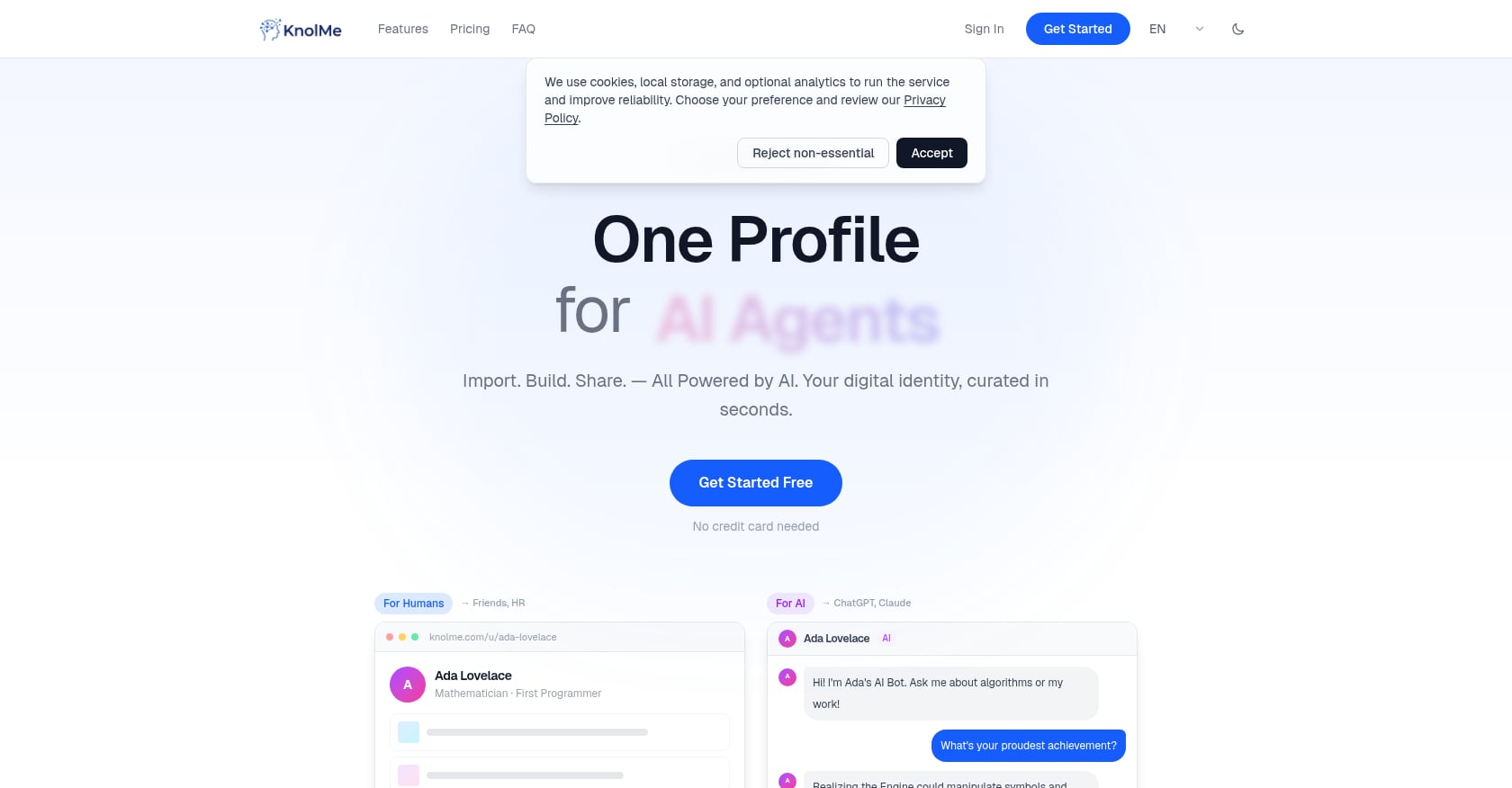
Best for: AI-powered recruiter profiles that build themselves
Pricing:
| Plan | Cost | Profiles | AI Credits/Month | Custom Domain | Branding Removed |
|---|---|---|---|---|---|
| Free | $0/mo | 1 | 80 | No | No |
| Pro | $2.99/mo | Up to 20 | 1,000 | Yes | Yes |
| Credit Packs | $0.99–$3.99 | — | 100–800 (never expire) | — | — |
Key features:
- Import from anywhere: paste a GitHub URL, upload a résumé PDF, or import your ChatGPT or Claude memory. AI creates a complete profile in roughly 30 seconds.
- AI digital twin lets visitors chat with a bot trained on your knowledge base, answering questions about your work 24/7.
- Optional voice cloning through Fish Audio so the bot replies in your voice.
- Rich embeds for YouTube, Bilibili, Spotify, PDFs, and images with multiple layout options.
- One-click AI-agent readability, meaning ChatGPT, Claude, and other AI assistants can learn from your profile directly.
- Privacy controls for private access during job applications.
You can see a sample KnolMe profile to get a sense of the output quality.
Limitations:
- Not a full multi-page website builder. If you need a blog, online store, or complex site architecture, this isn’t the tool.
- AI-generated content can be inaccurate and requires user review.
- Relies on third-party AI providers (OpenAI, Anthropic, Google Gemini), which means your data flows to external processors.
Why it stands out: The “time to live” comparison is where KnolMe separates itself from every other builder on this list. While Squarespace or Wix might take 4 to 8 hours to set up properly, and even Carrd needs 30 to 60 minutes, KnolMe gets you from zero to shareable profile in about 30 seconds. For job seekers and developers who want a professional presence without the time investment, that speed matters. The AI digital twin feature is also genuinely unique. No other builder on this list lets visitors have a conversation with an AI version of you. For anyone who wants to learn more about this concept, there’s a detailed guide to AI digital twins worth reading.
The consistent theme on Reddit discussions about personal sites is that people want something fast, cheap, and low-maintenance. One practitioner put it well: “AI gets you ~80% there, then your human panache kicks in.” KnolMe is essentially built around that philosophy.
2. Squarespace
Best for: Design-forward portfolios for creatives and consultants
Pricing:
| Plan | Monthly Cost (Annual Billing) |
|---|---|
| Basic | $16/mo |
| Core | $23/mo |
| Plus | $39/mo |
| Advanced | $99/mo |
Annual billing includes a free domain for the first year. No free plan, but every site starts with a 14-day free trial (no credit card required).
Key features:
- 199+ professionally designed templates with attention to typography, spacing, and visual hierarchy.
- Built-in scheduling through Acuity integration.
- Strong blogging tools and SEO features.
- Polished e-commerce capabilities on higher plans.
Limitations:
- No free plan. The 14-day trial is the only way to test without paying.
- The Basic plan charges a 2% transaction fee on sales.
- Template changes require significant design effort.
- No AI auto-generation from existing content. You’re building everything manually.
- Setup takes 4 to 8 hours for a multi-page portfolio.
User perspective: A practitioner who switched from Wix to Squarespace wrote on a review forum that she was paying about $35 per month for Wix annually, while Squarespace’s Basic plan runs $16 per month. Her verdict: “Go with Squarespace. It’s cheaper, cleaner, and just makes sense for artists.”
Squarespace is often described as the Apple of website builders. Everything is polished, but you’re paying for that polish, and you don’t get AI assistance in building the site.
3. Wix
Best for: People who want full creative control and don’t mind spending time on customization
Pricing:
| Plan | Monthly Cost (Annual Billing) |
|---|---|
| Free | $0 (with Wix branding) |
| Light | $17/mo |
| Core | $29/mo |
| Business | $39/mo |
| Business Elite | $159/mo |
Key features:
- Largest template library among traditional website builders.
- Pixel-level drag-and-drop editor for granular control.
- ADI (Artificial Design Intelligence) for basic AI-assisted setup.
- App marketplace for adding functionality.
Limitations:
- The free plan caps storage at 500MB, displays Wix branding on your site, blocks Google Analytics integration, and offers no e-commerce.
- Platform lock-in is a real concern. Capterra reviewers consistently note that “migrating your site away from Wix is difficult due to limited export options.”
- The sheer number of options can overwhelm beginners. Multiple reviewers describe the interface as “overwhelming” for first-time users.
- Setup time of 4 to 8 hours for a polished multi-page site.
User perspective: With a 4.42 rating on Capterra across 10,695 reviews, Wix has strong overall satisfaction. But the recurring complaint about vendor lock-in is worth taking seriously, especially if you think you might want to switch platforms later.
For someone who genuinely enjoys the design process and wants to control every pixel, Wix delivers. For everyone else, the time commitment is hard to justify when faster options exist.
4. Carrd
Best for: The cheapest possible one-page personal site
Pricing:
| Plan | Cost |
|---|---|
| Free | $0 (3 sites, .carrd.co domain) |
| Pro Lite | $9/year |
| Pro Standard | $19/year (up to 10 sites, custom domains) |
| Pro Plus | $49/year (advanced settings) |
Key features:
- Dead-simple single-page site builder.
- Clean, minimal templates that work well for résumés and about-me pages.
- Custom domain support starting at $19/year.
- Extremely affordable, even the most expensive plan is under $50 per year.
Limitations:
- Single-page only. No multi-page sites, no blog, no AI features of any kind.
- Limited SEO potential. Single-page architecture restricts your ability to target multiple keywords.
- Design customization beyond the defaults requires understanding CSS classes and containers, which isn’t intuitive for non-technical users.
- No embeds for rich media like YouTube or Spotify playlists.
User perspective: Practitioners on Reddit frequently recommend Carrd for people who just need “something up fast and cheap.” It’s the go-to suggestion in threads where the poster has a $0 to $50 annual budget and doesn’t need anything fancy.
Carrd is excellent at what it does. The problem is that what it does is very narrow. If you need your personal site to showcase projects, host media, or interact with visitors, you’ll outgrow Carrd quickly.
5. Linktree
Best for: Social media creators who only need a link aggregator
Pricing:
| Plan | Monthly Cost | Transaction Fee |
|---|---|---|
| Free | $0 | 12% on sales |
| Starter | $8/mo | 9% on sales |
| Pro | $15/mo | 9% on sales |
| Premium | $35/mo | 0% |
Note: prices increased in November 2025, with Pro roughly doubling to $15/mo.
Key features:
- Fastest setup on this list (about 5 minutes to a working page).
- Large existing user base, which means familiarity for visitors.
- Analytics on link clicks and engagement.
Limitations:
- This is a list of links, not a personal website. No portfolio layout, no blog, no AI interactivity.
- The hidden transaction fees are the biggest gotcha. On the free plan, Linktree takes a 12% commission on every sale. Even the $15/mo Pro plan still charges 9%. You need the $35/mo Premium plan for zero transaction fees.
- No custom domain support on any plan.
- Limited design customization.
User perspective: A Capterra reviewer warns bluntly: “DO NOT USE LINKTREE, overcharged for years and no customer support!” On the positive side, users who only need basic link aggregation find it quick and functional.
If you’re comparing Linktree to actual website builders, it falls short in every dimension except setup speed. For a deeper look at alternatives, there’s a comprehensive comparison of free Linktree alternatives that covers this ground in more detail.
6. Hostinger Website Builder
Best for: The cheapest custom-domain full website with hosting included
Pricing:
The headline $2.99/mo price requires a 48-month commitment. Month-to-month pricing is significantly higher. But for what you get (custom domain, unlimited bandwidth, 100+ email addresses, blog, SEO tools), it’s strong value on a per-month basis if you’re willing to commit.
No free plan.
Key features:
- Custom domain included in all plans.
- Built-in blog and basic SEO tools.
- Unlimited bandwidth.
- AI-assisted setup (basic).
Limitations:
- The multi-year commitment is a significant ask for someone who just wants a personal site.
- Design quality falls short of Squarespace and Wix.
- No comment section for blog posts.
- Less polished editor with fewer templates.
User perspective: A Reddit user summed up the trade-off: “Ultimately, I still like blogging on WordPress better.” Hostinger’s builder works, but it feels like a budget option in ways beyond just pricing.
For users who want a full website with a custom domain and are willing to pay upfront for 4 years, Hostinger is the most cost-effective traditional builder. For everyone else, the long commitment and design limitations are hard to overlook.
7. Canva Website Builder
Best for: Visual creators who already use Canva daily
Pricing:
| Tier | Cost | Custom Domain |
|---|---|---|
| Free | $0 | Canva subdomain only |
| Canva Pro | $15/mo | Yes |
Key features:
- Drag-and-drop interface that’s instantly familiar to Canva’s massive user base.
- Strong visual design tools, especially for image-heavy portfolios.
- Magic Studio for AI-assisted design elements.
- Fast setup (1 to 2 hours).
Limitations:
- No blog functionality.
- Limited as a standalone site builder compared to dedicated platforms.
- Custom domain requires a Canva Pro subscription at $15/mo, which is steep if you only use it for a website.
- SEO capabilities are basic at best.
Canva’s website builder works best as an add-on for existing Canva users, not as a first-choice personal website builder. If you’re already paying for Canva Pro for design work, the website feature is a nice bonus. Otherwise, you can get more for less elsewhere.
8. Webflow
Best for: Developers and designers who want code-level control over every element
Pricing:
| Plan | Monthly Cost (Annual Billing) |
|---|---|
| Starter | Free |
| Basic | $14/mo |
| CMS | $23/mo |
Key features:
- Visual development environment with full CSS control.
- CMS functionality for blogs and dynamic content.
- Clean, semantic code output.
- Hosting included.
- Strong animation and interaction capabilities.
Limitations:
- The learning curve is steep. Realistically, expect 8 to 20 hours to build and polish a personal site.
- Overkill for a simple personal profile or résumé page.
- Free Starter plan is very limited (staging only, Webflow subdomain).
- The interface assumes familiarity with web development concepts like flexbox, classes, and responsive breakpoints.
User perspective: Practitioners on Reddit and in YouTube walkthroughs consistently describe Webflow as “powerful but not for beginners.” One designer noted that if design is “brand oxygen,” tools like Webflow give you maximum control, but the time investment is substantial.
If you’re a front-end developer or designer who wants a personal site that doubles as a portfolio piece demonstrating your technical skills, Webflow makes sense. For everyone else, it’s more tool than you need. To understand how developers showcase work on a simpler platform, it helps to see actual examples.
9. About.me
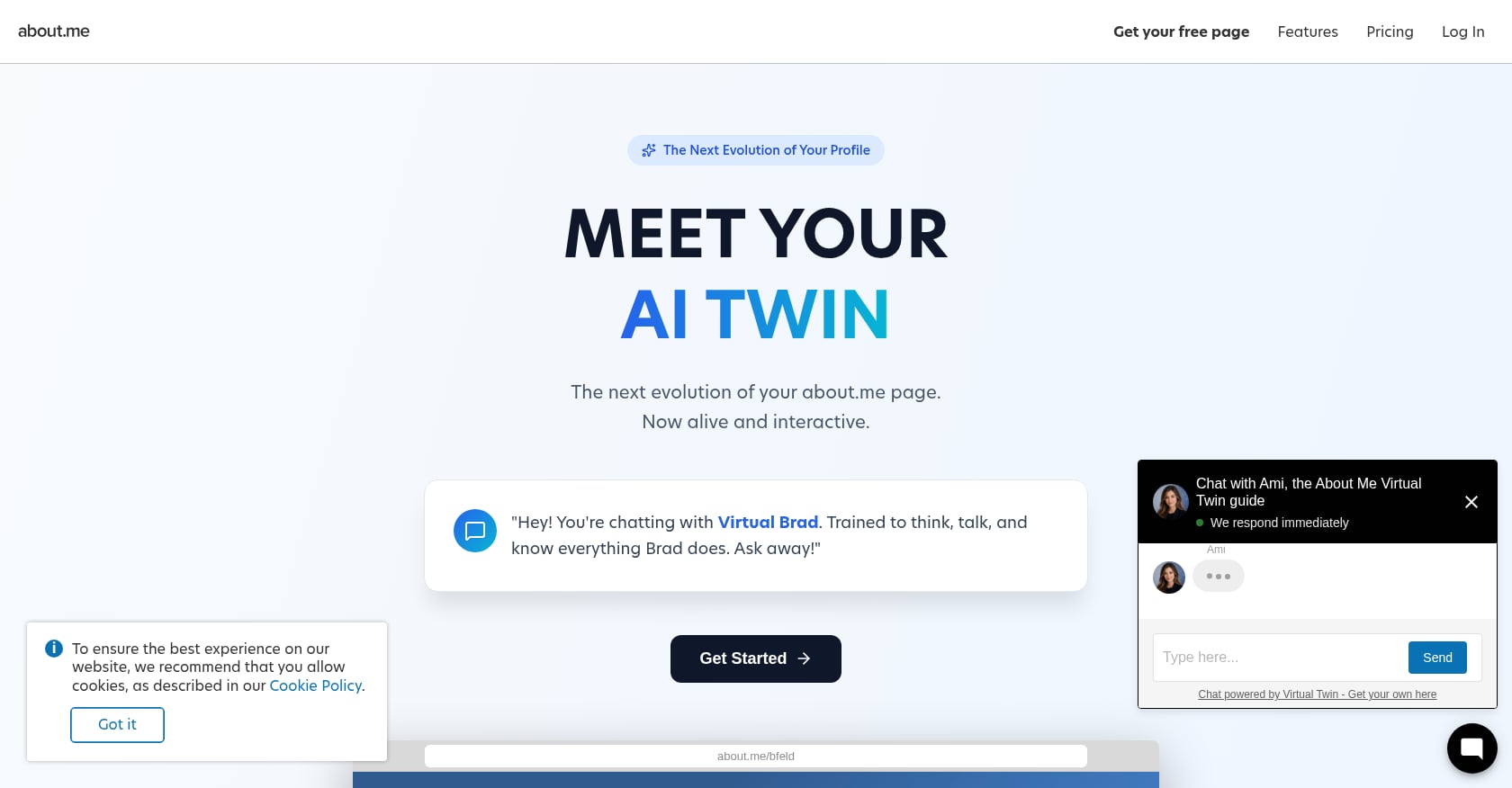
Best for: The absolute simplest profile page with zero learning curve
Pricing: Free basic profile; Pro plan at $8/mo adds custom domain and removes ads.
Key features:
- Single-page profile that takes about 10 minutes to create.
- Clean, minimal design.
- Built-in email collection.
Limitations:
- Completely static. No AI features, no interactivity, no blog, no rich media embeds.
- Design options are extremely limited.
- The platform hasn’t evolved significantly in years.
- No way for AI agents to consume your profile as structured data.
About.me fills a niche for people who want the bare minimum online presence. It’s a digital business card, nothing more. In a year where AI agents are becoming a real discovery channel, a static About.me page is increasingly invisible.
What to Look for in a Personal Website Builder in 2026
The criteria for choosing the best personal website builders have shifted. Here’s what actually matters now.
AI construction. Does the builder auto-generate your site from existing content? Pasting a GitHub URL or uploading a résumé and getting a finished profile in seconds is a different experience than dragging blocks around for 6 hours. If you’re curious about this process, there’s a practical guide on generating a profile from existing documents.
AI-agent readability. Can ChatGPT, Claude, or Perplexity learn from your site? This is the 2026 differentiator that no other comparison article discusses. As AI assistants become a primary way people discover professionals, having a machine-readable profile isn’t optional. For a deeper dive into this, the guide to building agent-friendly profiles covers the technical and strategic dimensions.
Interactivity. Can visitors ask questions, or do they just scroll? An AI chatbot on your profile means recruiters get answers instantly instead of sending an email and waiting days.
Pricing honesty. Watch for transaction fees (Linktree’s 12% on the free plan), multi-year lock-ins (Hostinger’s 48-month commitment), and renewal price jumps. The cheapest advertised price is rarely the real price.
Custom domain support at a reasonable cost. Your own domain signals professionalism. Some builders charge $15/mo or more just to use a custom domain. Others, like KnolMe’s Pro plan, include it for $2.99/mo. For anyone unfamiliar with custom domains, here’s a clear explanation of what they are and how to set one up.
Privacy controls. If you’re sending a portfolio link during a job application, you may want to restrict access to specific viewers rather than making everything public.
Frequently Asked Questions
Do I need a personal website if I have LinkedIn?
Yes. LinkedIn is a closed platform you don’t control. You can’t customize the design, embed rich media, add an AI chatbot, or use a custom domain. A personal website serves as your canonical online hub, the one link you send to recruiters, clients, and collaborators that represents you on your terms. With 47% of employers less likely to interview candidates they can’t find online, having a presence beyond LinkedIn provides a real advantage.
What’s the cheapest way to build a personal website?
Carrd starts at $9/year for a custom-domain one-pager, making it the cheapest paid option. KnolMe’s free plan offers an AI-powered profile at $0/mo with no time limit, which is the best free option if you want something more than a static page. Wix has a free plan too, but it comes with Wix branding and a 500MB storage cap.
Can AI really build a personal website in 30 seconds?
On KnolMe, yes. You paste a URL (like your GitHub profile), upload a résumé PDF, or import your ChatGPT/Claude memory, and the AI extracts your information, proposes page designs, and generates a complete profile in roughly 30 seconds. The output needs a human review pass since AI-generated content can include inaccuracies, but the foundation is solid and dramatically faster than manual building. For a step-by-step walkthrough, there’s a guide on creating an AI-powered personal profile.
What’s the difference between a link-in-bio page and a personal website?
A link-in-bio page (like Linktree) is a list of links. It doesn’t showcase your work, tell your story, or let visitors interact with your content in any meaningful way. A personal website, even a single-page one, presents you as a complete professional: your bio, projects, media, credentials, and (on platforms like KnolMe) an AI chatbot that answers questions about your background.
Which personal website builder is best for developers?
Developers who want code-level control should look at Webflow, though it takes 8 to 20 hours to build. Developers who want speed and AI-agent readability should consider KnolMe, which can auto-generate a profile from a GitHub URL. The trade-off is customization depth versus time investment.
Are there hidden costs I should watch for?
Several. Linktree charges a 12% transaction fee on sales made through free-plan pages. Hostinger’s $2.99/mo price requires a 48-month upfront commitment. Squarespace’s Basic plan takes a 2% cut of e-commerce sales. Canva requires a $15/mo Pro subscription just to use a custom domain. Always check the fine print on transaction fees, renewal pricing, and contract length.
What is an AI digital twin on a personal website?
An AI digital twin is an AI chatbot embedded on your profile that’s trained on your knowledge base (your bio, projects, résumé, uploaded documents). Visitors can ask it questions about your work, experience, and skills, and it responds conversationally, 24/7. KnolMe is currently the only personal website builder on this list that offers this feature, with optional voice cloning so the bot replies in your own voice.
Should my personal website be readable by AI agents?
Increasingly, yes. AI assistants like ChatGPT and Perplexity are becoming a primary way people discover and evaluate professionals. If your personal site is structured so AI agents can consume it as a knowledge base, you’re more likely to surface in AI-generated recommendations and summaries. This is the 2026 shift that most personal website builders haven’t addressed yet.