8 Best Free Alternatives to Linktree (2026, Tested)
TL;DR
Linktree’s free plan forces branding on your page, charges a 12% fee on sales, and locks custom domains behind paid tiers starting at $8/month. You have better options. The strongest free alternatives in 2026 range from AI-powered profile builders like KnolMe (which auto-generates a full interactive page from your URLs or résumé) to open-source self-hosted tools like LinkStack. This guide compares 8 genuinely free tools across pricing, features, and honest tradeoffs so you can pick the right one in under five minutes.
Why People Are Leaving Linktree’s Free Plan
Linktree has over 40 million users, but that number hides a growing frustration with its free tier. The problems are concrete.
First, the money. Linktree’s free plan takes a 12% cut on every digital product sale, the highest transaction fee across all its tiers. Sell $500 in ebooks or templates, and Linktree keeps $60. Their paid plans dropped the fee to 9%, but those plans recently jumped to $8, $15, and $35 per month, well above the $4/month industry average for link-in-bio tools.
Second, the branding. The Linktree logo sits prominently on every free page. You can’t remove it, swap in your own logo, use custom fonts, or apply unique button styles. One Capterra reviewer put it plainly: “I think a bit more control over the design aspect would be great.” Another wrote: “Changing pricing plan made us shift to competitors.”
Third, custom domains don’t exist on any Linktree plan. You’re always stuck with a linktr.ee URL, which means every click builds their brand instead of yours.
And fourth, the free plan strips out email collection, link scheduling, and advanced analytics. These aren’t luxury features. They’re basics.
Practitioners on Reddit consistently say they care more about custom domains and branding removal than about the number of links a tool supports. That lines up with what the data shows: Linktree gates the features people actually want behind expensive upgrades.
The good news is that free alternatives to Linktree have gotten significantly better. Some now use AI to build your entire page automatically. Others offer lifetime pricing or full open-source freedom. Here’s how they compare.
Create a free AI profile in about 30 seconds, no design skills needed.
At-a-Glance Comparison Table
| Tool | Free Plan | Lowest Paid | Custom Domain (Free?) | AI Features | Best For |
|---|---|---|---|---|---|
| KnolMe | $0/mo (1 profile, 80 AI credits) | $2.99/mo Pro | Pro only | AI auto-build, digital twin, voice clone | Developers, job seekers, recruiters |
| Beacons | $0 forever (9% tx fee) | $10/mo | Paid only | AI assistant “Beam” | Creators selling digital products |
| Carrd | $0 (3 sites) | $9/year | $19/yr Pro Standard | None | Design-first freelancers |
| Bio Sites | $0 (up to 10 pages) | ~$5/mo Pro | Via Squarespace | None | Artists wanting polished design |
| Lnk.Bio | $0 (unlimited links) | $9.99 one-time lifetime | $24.99 one-time | None | Budget-conscious, no subscriptions |
| Campsite.bio | $0 (unlimited links) | $7/mo | Pro only ($7/mo) | None | Analytics-focused creators |
| LinkStack | 100% free (open source) | $0 (self-hosted) | Yes (your own server) | None | Developers, privacy-first users |
| Pallyy | Free (bio link only) | $25/mo | No | None | Social media managers |
What to Look for in a Free Linktree Alternative
Not every free plan is created equal. Some are generous; others are free in name only. Here’s what actually matters when evaluating free alternatives to Linktree:
Custom domain support. If your link-in-bio lives on someone else’s URL, you’re building their SEO authority, not yours. Check whether custom domains are free or paywalled.
Branding removal. A tool that plasters its own logo on your page makes you look like you’re using a free tool, because you are. The best options either don’t add branding or let you remove it cheaply.
Transaction fees. If you sell anything (courses, PDFs, coaching), a 9-12% cut per sale adds up fast. Know the fee structure before you commit.
Analytics depth. Basic click counts are table stakes. Look for geographic data, referral sources, and time-series trends.
AI features. This is the biggest gap in most 2026 comparisons. Some tools now auto-generate your entire page from a URL or résumé, and even let visitors chat with an AI version of you. If you want more than a static link list, AI matters.
Embed flexibility. Can you embed YouTube videos, Spotify players, or portfolio pieces directly? Or is it links only?
Ease of setup. A tool that takes 30 seconds to produce a finished page beats one that requires an hour of manual configuration.
The 8 Best Free Alternatives to Linktree in 2026
1. KnolMe
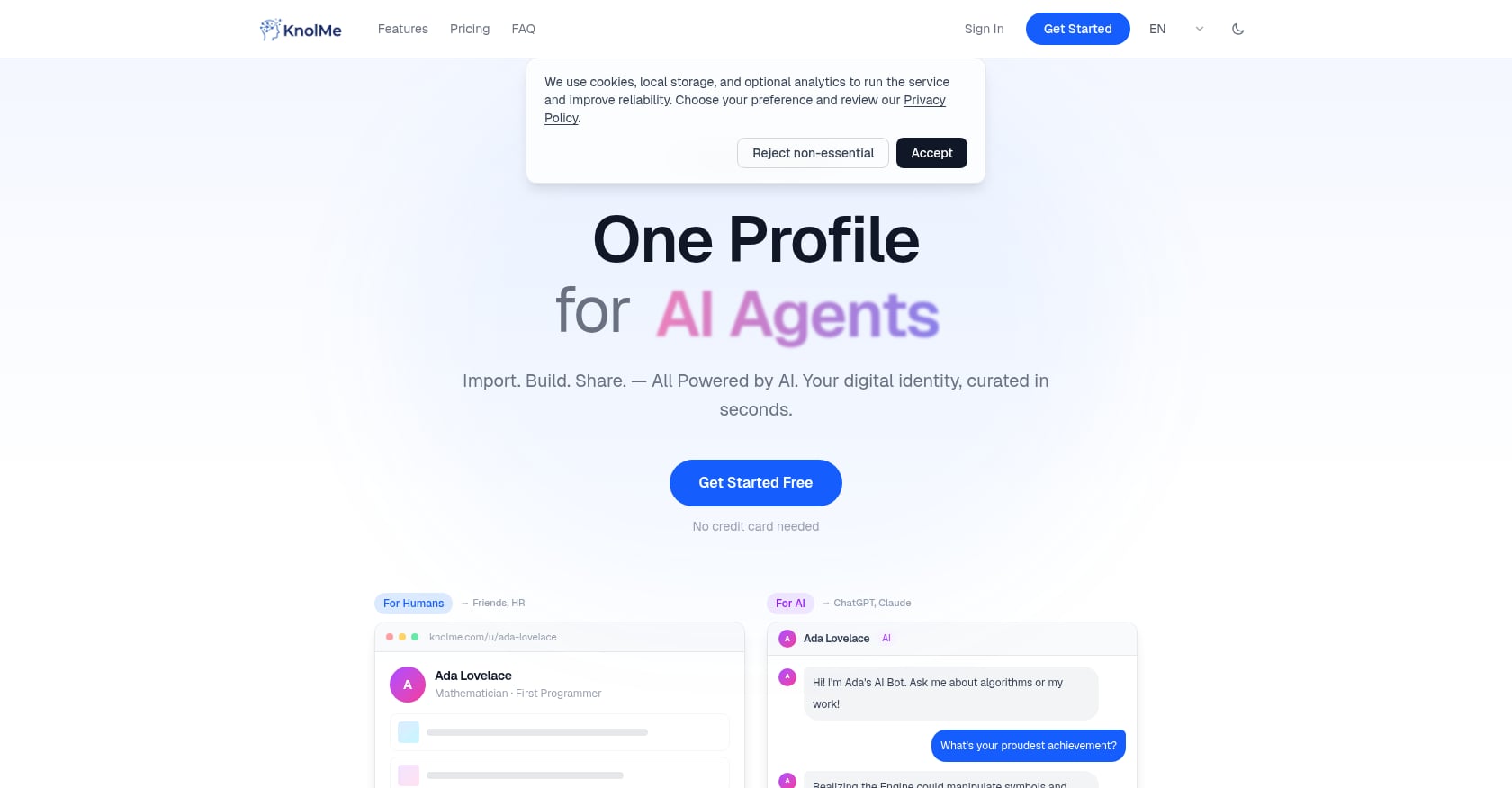
Best for: Developers, job seekers, and recruiters who want an AI-powered personal profile, not just a list of links.
KnolMe is a different category of tool. Where most Linktree alternatives give you a page to manually fill with links, KnolMe auto-builds a complete, styled profile page from your existing content. Paste a GitHub URL, upload a résumé PDF, or import your ChatGPT memory, and the AI extracts your information, proposes multiple design styles, and assembles everything in about 30 seconds.
Pricing:
- Free: $0/month, 1 profile, 80 AI credits/month
- Pro: $2.99/month, up to 20 profiles, 1,000 AI credits, no KnolMe branding, custom domain, private access control
- Credit packs: 100 for $0.99, 300 for $1.99, 800 for $3.99 (credits never expire)
Key features:
- AI imports content from URLs, PDFs, and AI assistant memory to build your profile automatically
- AI digital twin chatbot lets visitors ask questions about you and your work 24/7
- Optional voice cloning so your bot can reply in your voice
- Rich embeds for YouTube, Bilibili, Spotify, plus PDF and image uploads
- Custom domain support on Pro
- Agent-readable format so ChatGPT, Claude, and other AI assistants can learn from your page
- Edit layout, bio, and projects via AI chat instead of manual drag-and-drop
Tradeoffs:
- Focused on personal profiles, not e-commerce storefronts or multi-page websites
- AI-generated content needs human review for accuracy
- Newer entrant without a large public review corpus yet
Why it stands out: At $2.99/month for Pro, KnolMe costs less than one-fifth of Linktree Pro ($15/month) while offering features no traditional link-in-bio tool provides. The digital twin alone changes the equation: instead of giving visitors a passive list of links, you give them an interactive experience. For anyone building a career or professional brand, that’s a meaningful upgrade.
Want to see what a finished page looks like? Check out this live KnolMe profile or this developer portfolio example.
2. Beacons
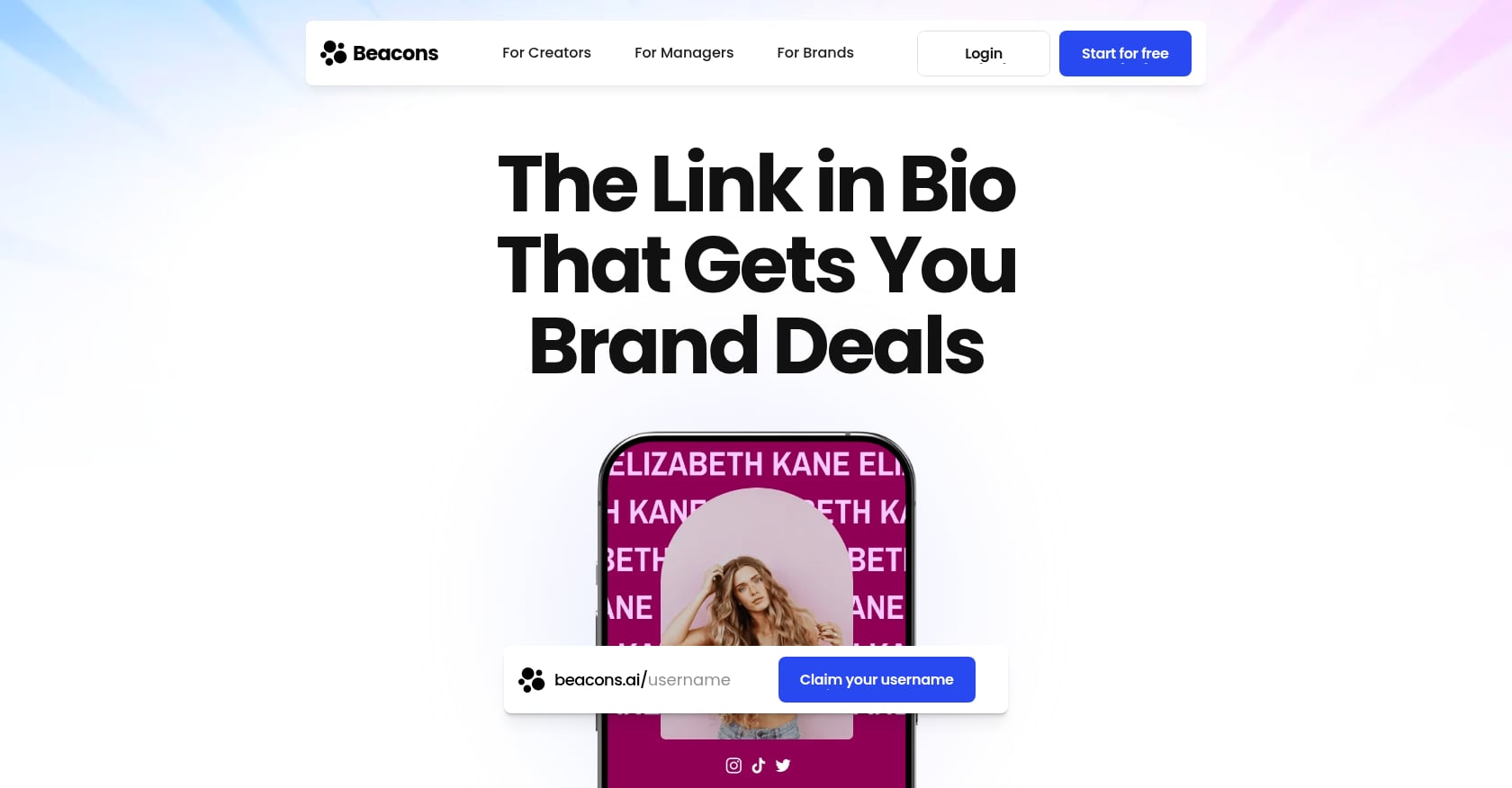
Best for: Creators who sell digital products and want monetization tools baked into their link-in-bio page.
Beacons has grown to over 7 million creators by offering a genuinely useful free plan packed with features that go beyond linking. It bundles a digital storefront, email marketing, an auto-updating media kit, and even an AI assistant called Beam into a single dashboard.
Pricing:
- Free: $0/month forever, with a 9% transaction fee on all sales
- Creator Pro: $10/month (or $8.33/month billed annually)
Key features:
- Link-in-bio page with website builder
- Digital storefront for selling products directly
- Auto-updating media kit for brand deals
- Email marketing tool built in
- Affiliate marketplace
- Detailed traffic analytics
Tradeoffs:
- The 9% transaction fee on the free plan stings. Sell $500 in digital products and Beacons keeps $45.
- The free page carries Beacons branding
- No custom domain without a paid plan
- The sheer number of features can feel overwhelming if you just want a simple link page
Real user perspective: Beacons pulls in over 39 million monthly website views across its user base, which speaks to how seriously creators use it. But practitioners on forums note that the transaction fee makes it expensive at scale. If you’re doing serious revenue, the math pushes you toward the paid plan quickly.
3. Carrd
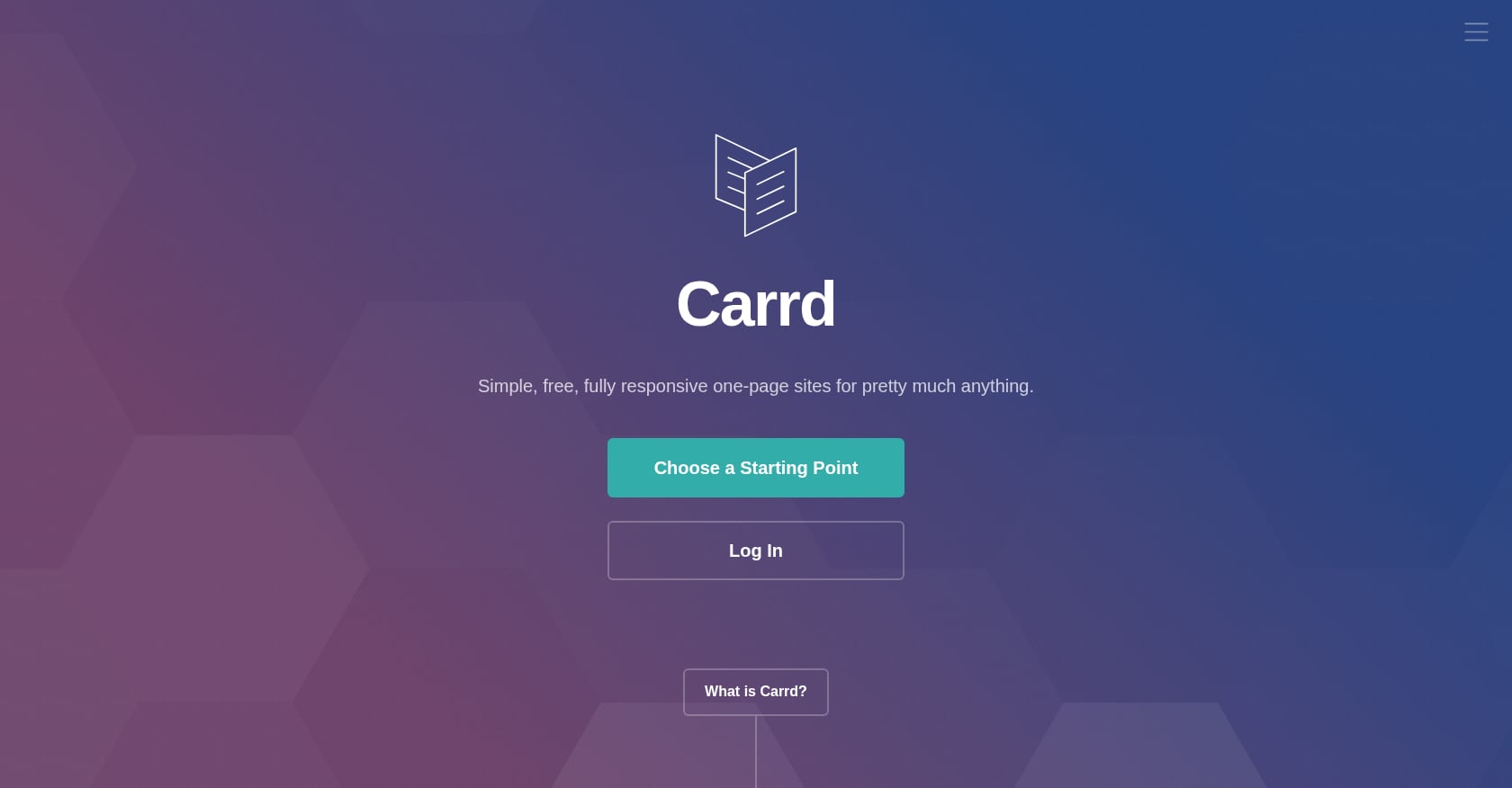
Best for: Designers and freelancers who want full visual control over a one-page site for minimal cost.
Carrd isn’t technically a link-in-bio tool. It’s a one-page website builder that many creators use as a Linktree alternative because it offers far more design freedom. You can build anything from a personal landing page to a portfolio to a startup coming-soon page.
Pricing:
- Free: $0 (up to 3 sites with basic features)
- Pro Lite: $9/year
- Pro Standard: $19/year (adds custom domains)
- Pro Plus: $49/year
Key features:
- Fully responsive one-page site builder
- Complete design freedom (layouts, colors, typography, spacing)
- Custom domain support starting at $19/year
- Forms, widgets, and embed support on paid plans
Tradeoffs:
- No native link analytics, link scheduling, or managed link-list features
- The free plan limits you to 3 sites and basic templates
- Building a page requires more manual effort than dedicated link tools
- No AI features
Real user perspective: A G2 reviewer noted it’s “easy to add your links in and have a link page that is beautiful without having to do any design work.” That said, Carrd rewards users who enjoy tinkering with design. If you want a page that’s done in 30 seconds, look elsewhere.
The annual pricing is remarkably cheap. At $9/year for Pro Lite, Carrd costs less than a single month of Linktree Pro.
4. Bio Sites (by Squarespace)
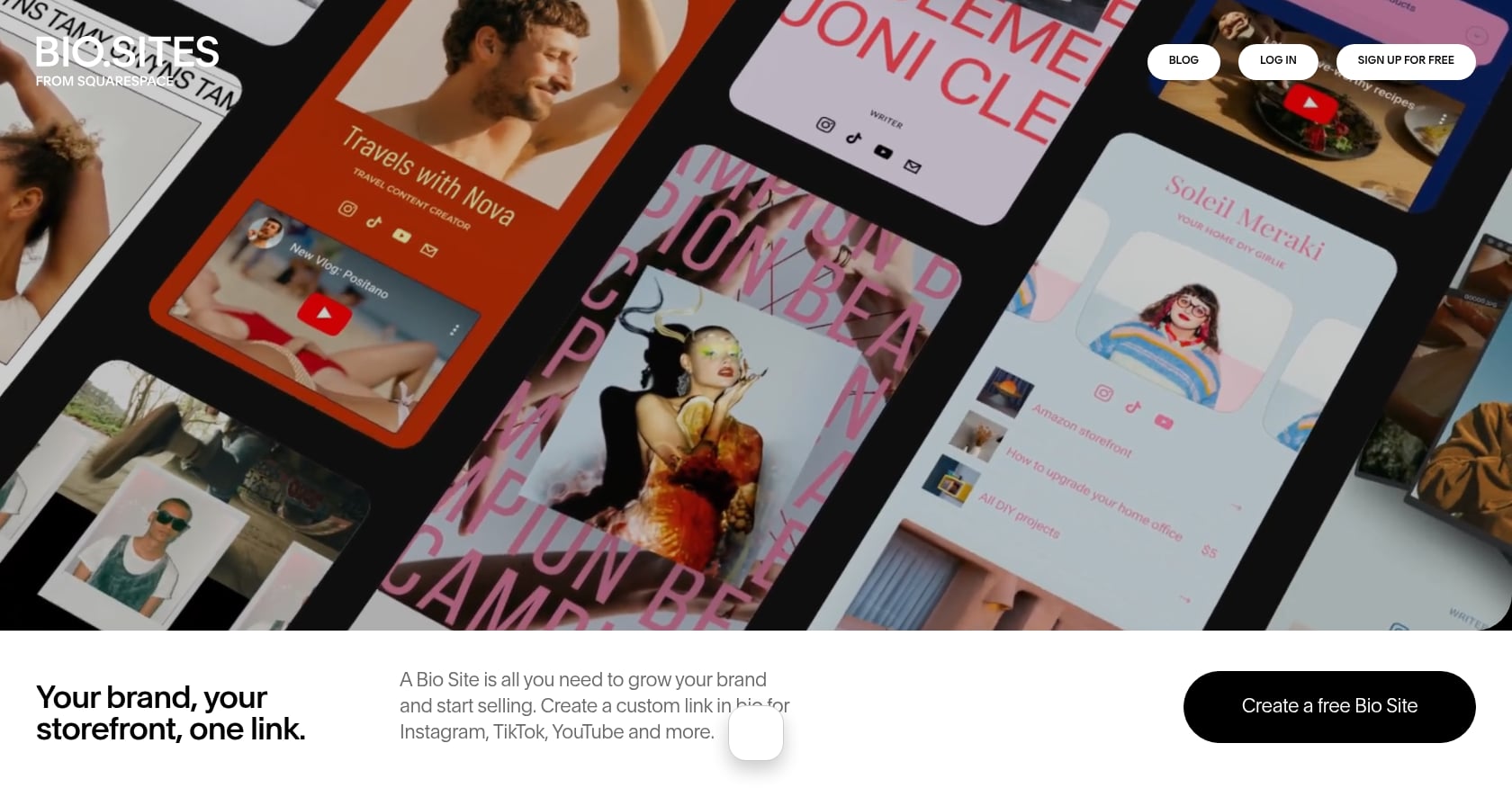
Best for: Artists and freelancers who want a polished, design-forward link-in-bio page with zero upfront cost.
Bio Sites carries the Squarespace design DNA without requiring a Squarespace subscription. It’s 100% free to create and launch, which makes it one of the most genuinely free alternatives to Linktree available.
Pricing:
- Free: $0 (up to 10 link-in-bio pages from one dashboard)
- Bio Sites Pro: approximately $5/month or $40/year
Key features:
- Clean, visually polished templates
- Portfolio showcase with images
- Digital downloads for passive income
- Bookable calendar for 1:1 appointments
- Up to 10 pages managed from one centralized dashboard
Tradeoffs:
- Fewer advanced features than Beacons or Linktree (no embedded video players, music players, or social feeds on the free plan)
- Limited embed options compared to dedicated link-in-bio tools
- No AI features
- Custom domain requires a Squarespace account
Why it’s worth considering: The design quality out of the box is higher than most competitors. If visual presentation matters to your brand and you don’t need heavy customization, Bio Sites delivers a lot for $0. Managing up to 10 pages from a single dashboard is also unusually generous for a free tier.
5. Lnk.Bio
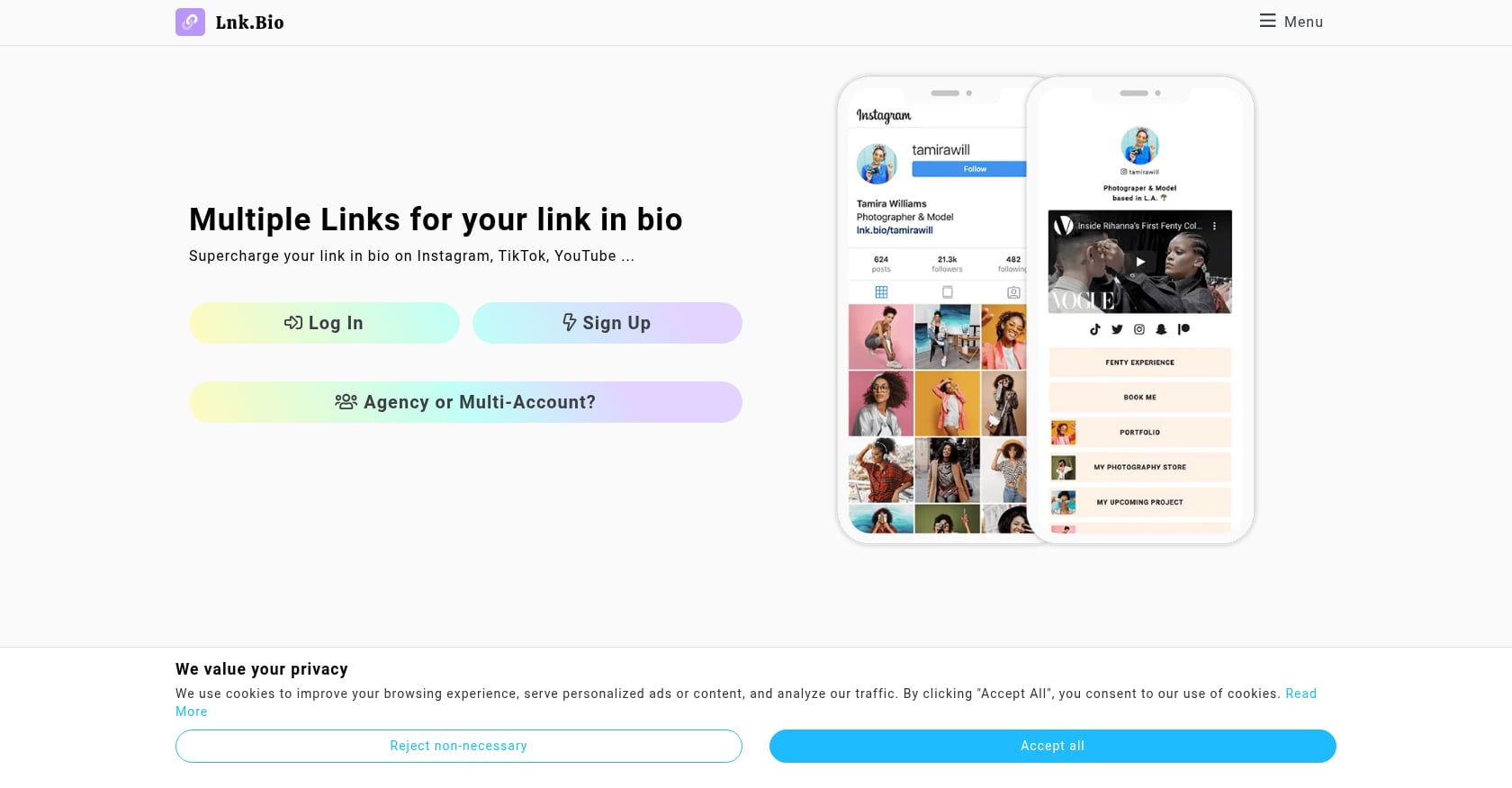
Best for: Budget-conscious users who want unlimited links and hate recurring subscriptions.
Lnk.Bio’s standout feature is its pricing model. While every other tool on this list charges monthly or annually, Lnk.Bio offers lifetime access for a one-time payment. The company is privately held, profitable, and has spent $0 on advertising, which explains why it flies under the radar despite being one of the strongest free Linktree alternatives around.
Pricing:
- Free: $0 (unlimited links, basic analytics)
- Mini: $9.99 one-time lifetime payment
- Unique: $24.99 one-time lifetime payment (includes custom domain)
Key features:
- Unlimited links on the free plan
- 19 integrations (Shopify, WordPress, Zapier, and more)
- 147 embed services
- 3,000+ icons
- 577 free templates
- 44,813 fonts
Tradeoffs:
- The free plan’s analytics are basic compared to Campsite.bio or Beacons
- Design customization on the free tier is limited
- No AI features
- The interface feels functional rather than polished
Why the lifetime pricing matters: At $24.99 once, you get custom domain support and premium features forever. That’s less than two months of Linktree’s cheapest paid plan. For anyone who just needs a reliable, permanent link page without ongoing costs, this is hard to beat.
6. Campsite.bio
Best for: Analytics-focused creators who want clean design and solid data at a reasonable price.
Campsite.bio occupies a sweet spot between Linktree’s simplicity and more complex tools like Beacons. The free plan is surprisingly capable, and the analytics are more detailed than what most free tiers offer.
Pricing:
- Free: $0 (unlimited links, basic analytics)
- Pro: $7/month (custom domain, advanced analytics, email capture, branding removal)
Key features:
- Unlimited links on the free plan
- Clean, modern design templates
- Solid built-in analytics even on the free tier
- Email capture on Pro
- Custom domain on Pro
Tradeoffs:
- No custom domain on the free plan
- Advanced analytics and branding removal require Pro
- No AI features
- Smaller ecosystem than Beacons or Linktree
Real user perspective: On Trustpilot, where Campsite.bio holds a 4.59 average across 107 reviews, one user noted it “seems to have a lot more in the free tier than Linktree.” That aligns with what most reviewers say: the free plan is genuinely useful, but you’ll hit limitations quickly if you need branding control or custom domains.
7. LinkStack
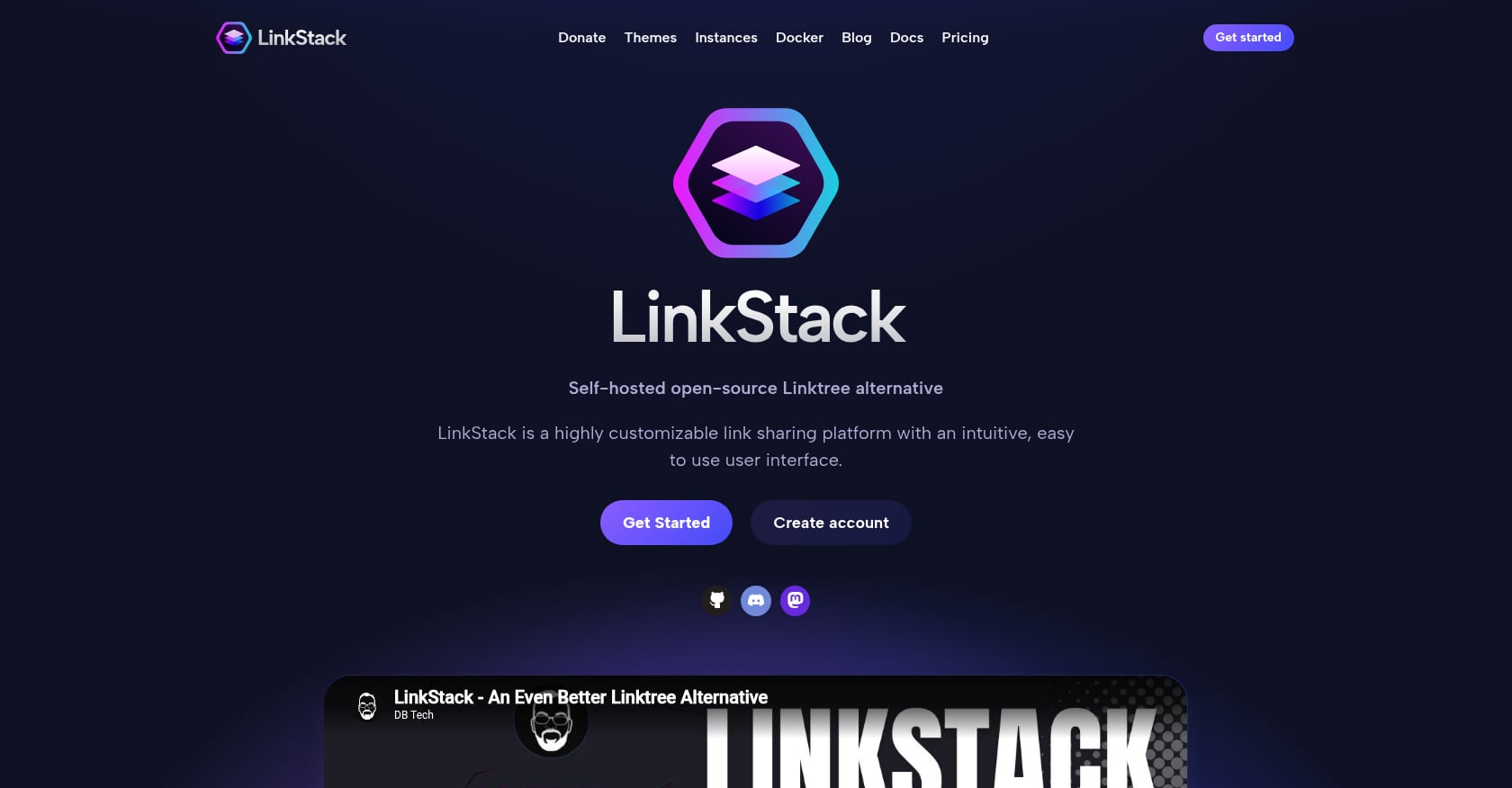
Best for: Developers and privacy-conscious users who want to self-host their link-in-bio page on their own server.
On AlternativeTo, LinkStack consistently ranks as the top free Linktree alternative, and for good reason. It’s fully open-source, meaning you can inspect every line of code, modify it however you want, and host it on your own infrastructure. No subscription, no branding, no data flowing to third parties.
Pricing:
- 100% free, forever (open-source under MIT-style licensing)
- Self-hosted on your own server
- Free managed instances available for non-technical users
Key features:
- Complete data ownership and privacy
- Self-hosted via Docker or traditional PHP deployment
- Multi-user support for teams
- Custom domain (since it’s your server)
- Active open-source community
Tradeoffs:
- Requires technical setup (PHP 8, web server configuration, Docker knowledge)
- No managed SaaS convenience out of the box
- No AI features
- Design templates are functional but not as polished as commercial tools
- You’re responsible for uptime, security, and updates
Why it matters: If you’re building an agent-friendly profile or simply care about data sovereignty, LinkStack gives you complete control. The self-hosted approach also means zero risk of a vendor changing pricing or terms underneath you. The tradeoff is real work: this isn’t a 30-second setup.
8. Pallyy
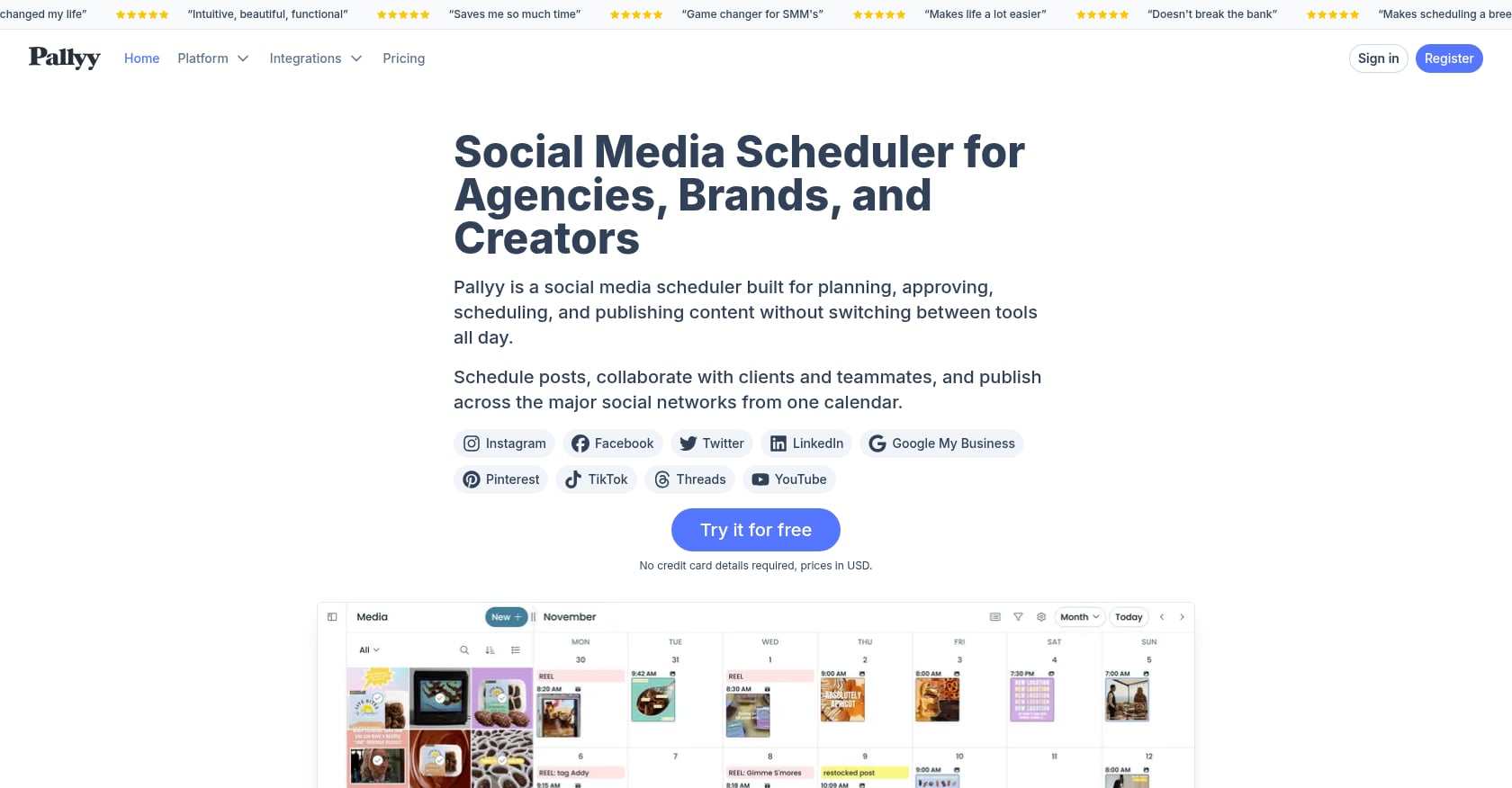
Best for: Social media managers who already need scheduling tools and want a link-in-bio page included.
Pallyy is primarily a social media management platform, but its free plan includes a built-in bio link tool. If you’re already managing multiple social accounts and need a simple link page, Pallyy saves you from adding another tool to your stack.
Pricing:
- Free: bio link tool included
- Premium: $25/month (full social media management suite)
Key features:
- Bio link page with basic customization
- Social media scheduling and management (paid)
- Instagram-focused features
- Content calendar and planning tools
Tradeoffs:
- The bio link tool is a secondary feature, not the main product
- No custom domain
- No AI features
- The $25/month paid plan is expensive if you only want the link page
- Less customization depth than dedicated link-in-bio tools
When it makes sense: Pallyy only makes sense as a free Linktree alternative if you already use (or plan to use) a social media management tool. The bio link feature is a nice bonus rather than a reason to sign up on its own.
How to Choose the Right Free Alternative to Linktree
The “best” tool depends entirely on what you’re building. Here’s a quick decision framework by persona:
Creator selling digital products or courses: Beacons gives you the most monetization tools on a free plan, though the 9% transaction fee means you should upgrade once revenue grows.
Developer or job seeker building a professional presence: KnolMe is the clear pick. It auto-generates your profile from a GitHub URL or résumé PDF, and the AI digital twin lets recruiters interact with your page even when you’re offline. If you’re wondering how that works in practice, here’s a guide on generating a profile from documents.
Designer or freelancer who wants full visual control: Carrd gives you the most design freedom at the lowest price. The $9/year Pro Lite plan is practically free.
Budget-conscious user who hates subscriptions: Lnk.Bio’s lifetime pricing model, $24.99 once for custom domain and premium features, eliminates recurring costs entirely.
Privacy-focused developer or team: LinkStack is the only fully open-source option. Self-host it and own everything.
Artist or creative who values polish over features: Bio Sites delivers Squarespace-quality design at $0.
Social media manager juggling multiple platforms: Pallyy bundles bio links with scheduling. Two birds, one tool.
Despite Instagram’s 2023 update allowing up to 5 links in bios, standalone link-in-bio tools remain more valuable than ever. TikTok, X, YouTube, and LinkedIn still limit you to a single link, so your link-in-bio page is often the first thing a potential follower, client, or recruiter actually clicks.
Try KnolMe free and see how AI builds your profile in seconds.
The Bigger Picture: Link Lists vs. AI-Powered Profiles
Most free alternatives to Linktree still operate on the same basic premise that Linktree established years ago: a page with a stack of links. That model works for simple use cases, but it’s showing its age.
The creator economy is now valued at $500 billion and growing 22% year over year. With 70 million creators using link-in-bio tools, the space is getting crowded. Standing out with a generic list of five links is harder than ever.
The shift worth paying attention to is toward AI-powered profiles that do more than link. Tools that auto-generate content, offer interactive elements like chatbots, and make your information readable by AI assistants represent a fundamentally different approach. Your link-in-bio page stops being a directory and starts being an experience.
For job seekers specifically, an interactive profile with an AI digital twin that can answer recruiter questions 24/7 is a different kind of asset than a page with links to your LinkedIn and GitHub. If that resonates, you can learn more about creating shareable profiles for recruiters or building an AI-powered personal profile from a résumé.
Frequently Asked Questions
Is Linktree actually free?
Yes, Linktree has a free plan, but it comes with significant limitations. You’ll see Linktree branding on your page that you can’t remove, you can’t collect email addresses, and any digital product sales are hit with a 12% transaction fee. Paid plans start at $8/month, which is double the industry average of $4/month for similar tools. Several free alternatives to Linktree offer more features at their free tier than Linktree does.
Can I use a custom domain with a free link-in-bio tool?
Most free plans don’t include custom domain support. The notable exception is LinkStack, where self-hosting means you use your own domain by default. Lnk.Bio offers custom domains for a one-time $24.99 payment. KnolMe includes custom domain support on its $2.99/month Pro plan. Linktree doesn’t offer custom domains on any plan at any price.
What’s the best free alternative to Linktree for Instagram?
For Instagram creators focused on selling products, Beacons offers the most complete free toolkit with a storefront, email marketing, and media kit built in. For Instagram users who want a polished visual page, Bio Sites by Squarespace provides strong design quality at no cost. If you want an interactive page that goes beyond links, KnolMe’s free plan includes AI-generated profiles with rich media embeds.
Are there open-source Linktree alternatives?
Yes. LinkStack is the most established open-source alternative. It’s completely free, lets you self-host on your own server using Docker, and gives you full control over your data and design. The project is actively maintained and includes multi-user support for teams. The tradeoff is that setup requires technical knowledge of PHP 8 and web server configuration, though free managed instances exist for non-technical users.
Can AI build my link-in-bio page automatically?
It can now. KnolMe uses AI to auto-build a complete profile page from URLs, résumé PDFs, or even ChatGPT/Claude memory exports. The AI extracts your information, proposes multiple page designs, and assembles everything in roughly 30 seconds. You can also edit your profile by chatting with the AI rather than manually dragging and dropping elements. Beacons offers an AI assistant called Beam, though it’s more focused on content suggestions than page generation. For a deeper look at the process, see this guide on importing ChatGPT memory into a profile.
Do I really need a link-in-bio tool if Instagram allows 5 links?
Instagram’s multi-link update helps, but it doesn’t solve the underlying problem. TikTok, YouTube, X, and LinkedIn still restrict you to a single bio link. A dedicated link-in-bio page (or a full profile page) serves as your central hub across every platform. It also gives you analytics, branding control, and the ability to showcase content in ways that a raw list of five URLs never will.