8 Best Alternatives to Wix in 2026: Find the Right Fit

TL;DR
The best alternative to Wix depends on what you actually need. For a personal profile or portfolio, KnolMe builds one with AI in 30 seconds for free. WordPress gives you full ownership and control. Squarespace has the best templates for creative brands. Webflow is the pick for designers who want pixel-level precision. Shopify wins for dedicated online stores. And if budget is everything, Carrd costs just $9 a year.
Why People Switch Away From Wix
Wix has grown into one of the most widely used website builders in the world, with roughly 258 million users across 190 countries. It’s genuinely easy to start with, the template library is massive, and the drag-and-drop editor feels intuitive from minute one. Those are real strengths.
But three problems keep pushing people toward alternatives to Wix.
Template lock-in is the biggest frustration. Wix’s own help center confirms that once you select a template and start editing, you cannot change it. The only workaround is building a brand-new site from scratch and manually moving your content over. For anyone who picked a template quickly and later regretted it, this feels like a trap.
Pricing has crept up. The free plan slaps Wix branding on your site and sticks you with a wixsite.com subdomain, which is unusable for anything professional. Removing that costs $17 per month minimum on the Light plan (annual billing), with the Core plan at $29/mo and Business at $39/mo. That adds up fast for a small business or freelancer.
Speed and scalability complaints are common. One Capterra reviewer noted the builder “lags hugely and eats up a lot of RAM when building.” Another put it bluntly: “In terms of speed, Wix is not the winner.” Users running larger sites report that Wix is “the least scalable of all the web services” they’ve worked with.
There’s also the ownership question. You cannot export a Wix site or self-host it anywhere else. As one reviewer on Capterra said: “I would prefer owning my website and wish Wix had that option.” And in May 2026, Wix announced layoffs affecting roughly 1,000 employees (about 20% of its workforce), alongside acknowledgment of threats to its core website-building business from AI. That context matters if long-term platform stability factors into your decision.
None of this makes Wix a bad product. It makes it the wrong product for certain people. The question is which alternative fits what you’re actually building.
Quick Decision Guide
Before scanning eight options, narrow the field:
- Need a personal profile or portfolio? KnolMe (free, AI-built in 30 seconds)
- Need full design and code control? Webflow or WordPress
- Need beautiful templates, minimal fuss? Squarespace
- Need an online store? Shopify
- Need the cheapest path to a live site? Carrd ($9/year) or Hostinger ($2.99/mo)
- Need a modern landing page fast? Framer
At-a-Glance Comparison Table
| Platform | Starting Price | Free Plan | Best For | Key Limitation | Templates |
|---|---|---|---|---|---|
| KnolMe | Free / $2.99/mo Pro | Yes (ongoing) | AI personal profiles | Profile-focused, not full sites | AI auto-designed |
| WordPress | ~$3/mo (hosting) | Yes (software) | Full control, content sites | Steep learning curve | 10,000+ themes |
| Squarespace | $19/mo (annual) | No (14-day trial) | Visual brands, portfolios | No free tier; transaction fees | 200+ premium |
| Webflow | $15/mo (annual) | Yes (staging only) | Designers, agencies | Complex pricing layers | 1,000+ |
| Framer | $10/mo (annual) | Yes | Modern landing pages | No ecommerce | AI-generated + custom |
| Hostinger | $2.99/mo (48-mo) | No | Budget users | 48-month lock-in | 150+ |
| Shopify | $29/mo | No (3-day trial) | Online stores | Overkill for non-stores | Store-focused |
| Carrd | $9/year | Yes | Simple one-page sites | Single page only | Scrollable sections |
Now let’s look at each one in detail.
1. KnolMe
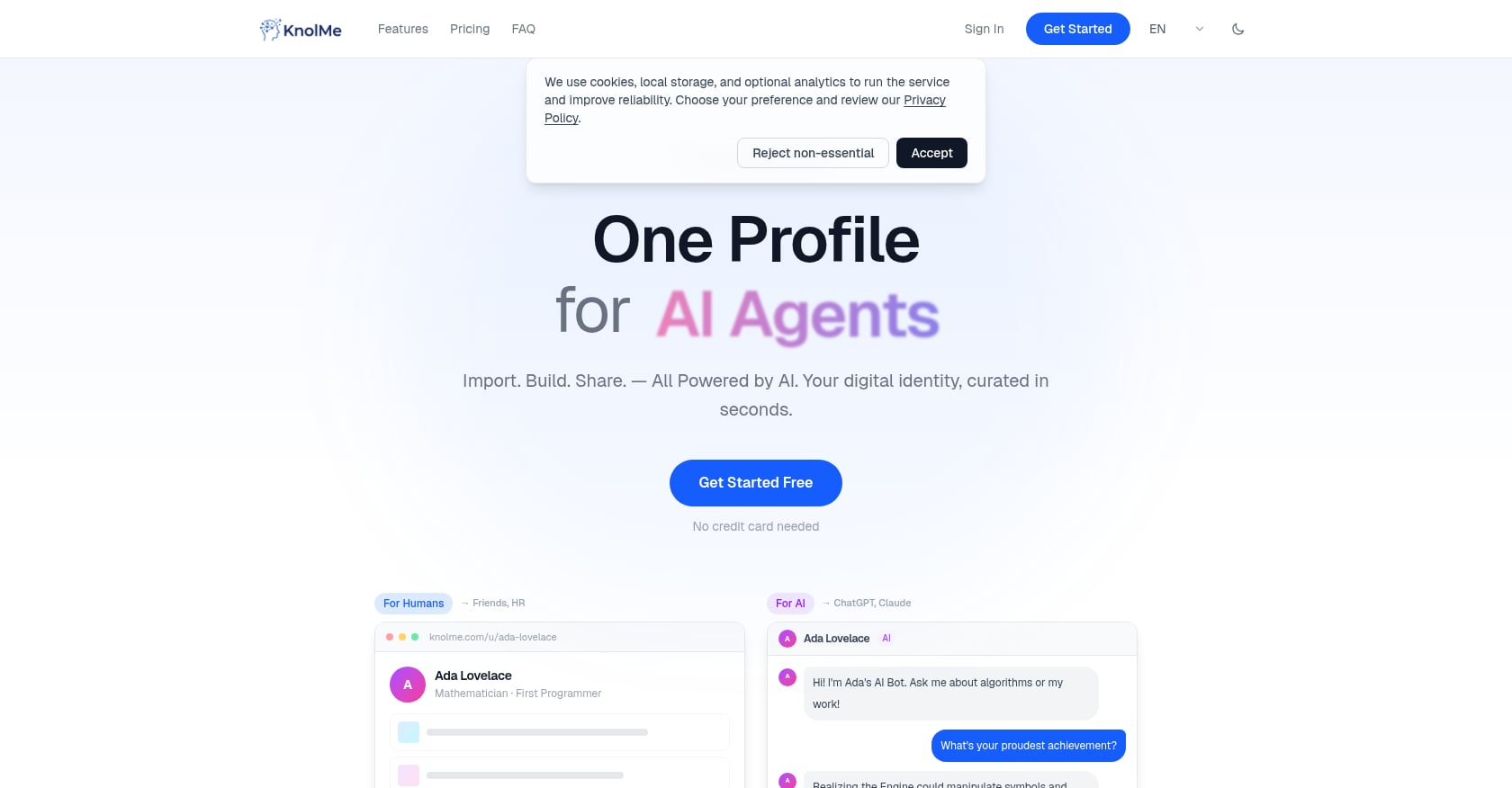
Best for: Developers, job seekers, and professionals who need an AI-powered personal profile page, not a full website.
Not everyone searching for alternatives to Wix actually needs a traditional website builder. Many people, especially developers, freelancers, and job seekers, just need a single professional page that represents who they are and what they’ve done. KnolMe is built specifically for that.
Pricing:
- Free: $0/mo (1 profile, 80 AI credits/month, no time limit)
- Pro: $2.99/mo (up to 20 profiles, 1,000 AI credits/month, custom domain, no branding, private access control)
- Credit packs: 100 for $0.99, 300 for $1.99, 800 for $3.99 (packs never expire)
That Pro price is 82% less than Wix’s cheapest ad-free plan.
Key features:
- AI auto-builds a complete profile from URLs, resume PDFs, or ChatGPT/Claude memory in about 30 seconds
- AI digital twin chatbot lets visitors ask questions about you 24/7
- Optional voice cloning for authentic audio replies
- Rich embeds for YouTube, Bilibili, Spotify, PDFs, and images
- Custom domain support and privacy controls
- Built for AI agents: one-click readability for ChatGPT, Claude, and other AI assistants
Try KnolMe free and see how fast it builds a profile from your existing content.
Tradeoffs:
- Focused on personal profiles, not multi-page sites or deep CMS/blog functionality
- AI-generated content requires user review for accuracy
- Relies on third-party AI providers (OpenAI, Anthropic, Google Gemini)
When to pick this over Wix: You realized you don’t need a “website” with multiple pages, a blog, and a shopping cart. You need a professional presence page that looks polished, answers recruiter questions automatically, and is readable by both humans and AI assistants. If you’re a developer, you can auto-generate a portfolio from GitHub in under a minute. You can also see a live KnolMe profile to understand what the end result looks like.
2. WordPress (.org)
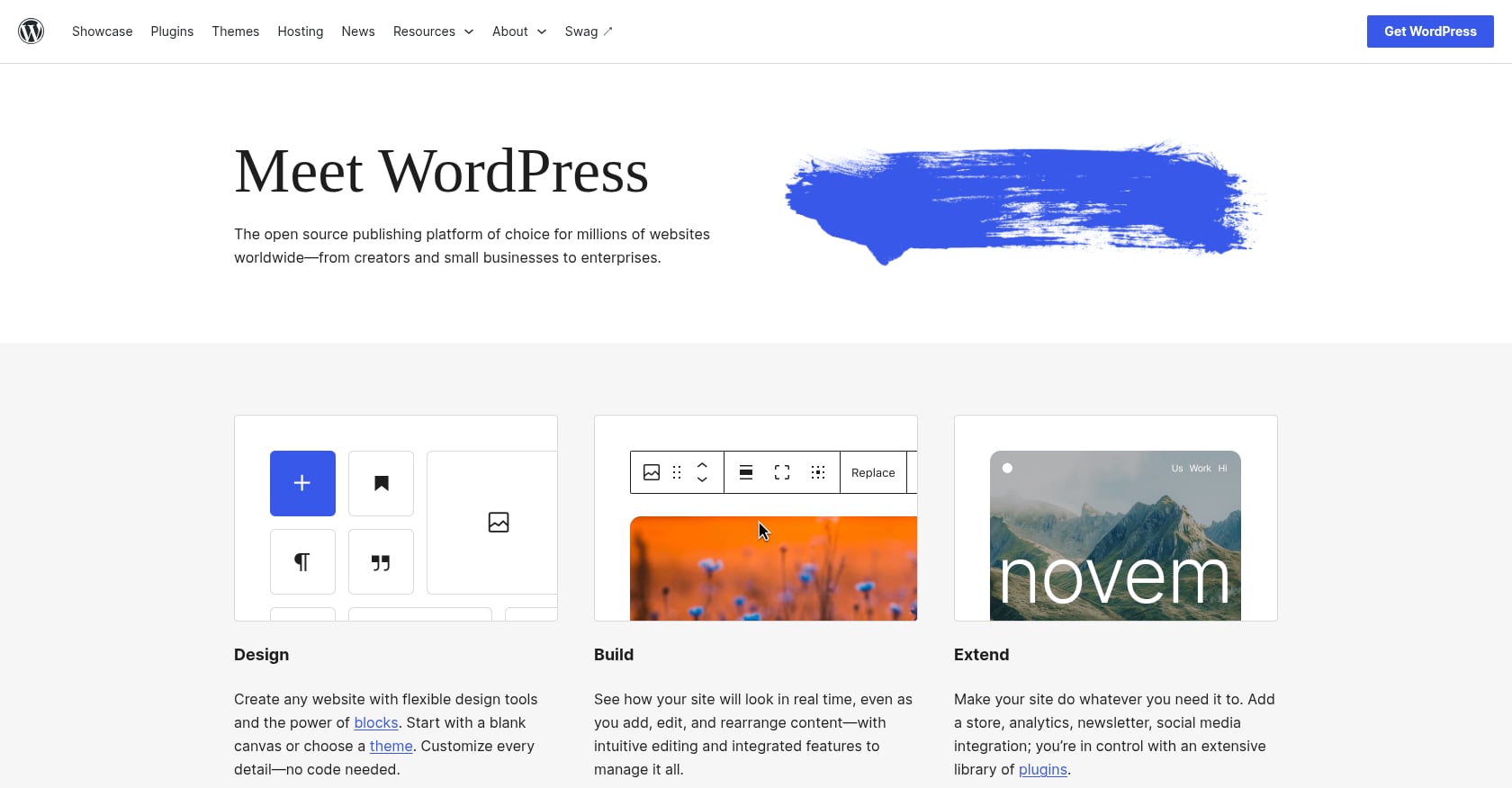
Best for: Users who want maximum flexibility, full site ownership, and a massive ecosystem of plugins.
WordPress is the most popular CMS on the planet. According to W3Techs, it powers a significant share of all websites, and its open-source nature means you truly own your site. Practitioners on Reddit often highlight that WordPress gives you “full control,” especially compared to Wix’s limitations.
Pricing:
- Software: Free (open-source)
- Hosting: ~$2.95 to $3/mo through providers like Bluehost or Hostinger
- Total first-year cost: roughly $35 to $50 including a domain, depending on host
Key features:
- Open-source, so you own every file and database entry
- 60,000+ plugins for virtually any functionality
- WooCommerce turns it into a full ecommerce platform
- Complete code access for custom development
- Thousands of free and premium themes
Real user perspective: WordPress is the go-to recommendation in developer communities. Reddit threads consistently surface it as the upgrade path for anyone who wants to move beyond closed platforms.
Tradeoffs:
- Not beginner-friendly. You’ll manage hosting, security updates, plugin conflicts, and backups yourself.
- Plugin bloat can slow a site down if you’re not careful about what you install.
- The “build in 10 minutes” simplicity of Wix doesn’t exist here. Expect a learning curve.
When to pick this over Wix: You want full ownership of your site, plan to scale significantly, or need specific functionality that only a custom plugin or code modification can provide. If you’re comfortable with (or willing to learn) some technical management, WordPress is the most powerful Wix alternative available.
3. Squarespace
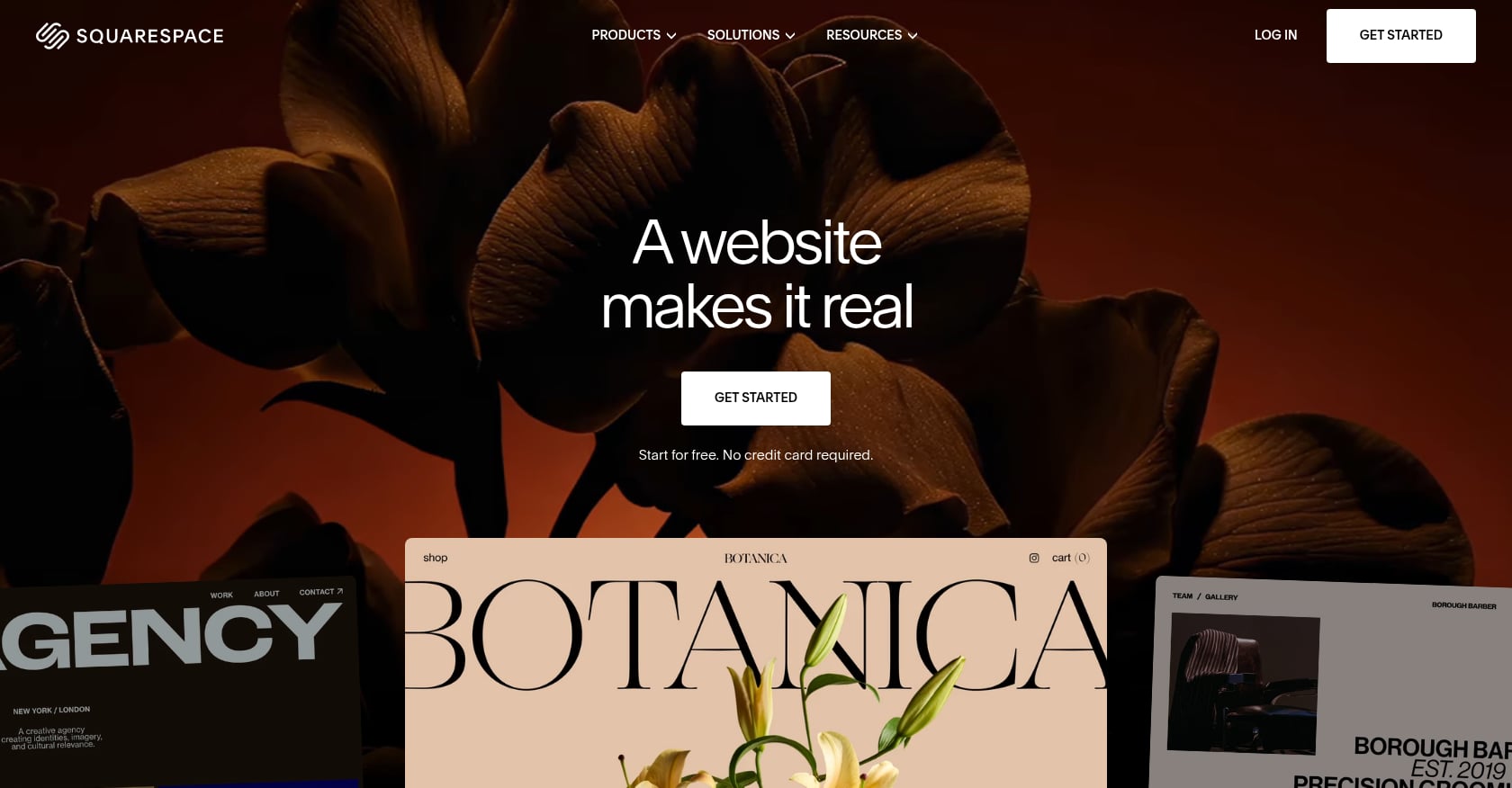
Best for: Visual brands, photographers, restaurants, and small businesses that prioritize design quality over everything else.
Squarespace has fewer templates than Wix, but as TechRadar notes, “the quality is often better.” Every template feels polished and professional out of the box. WIRED listed Squarespace as the best website builder for most people in its 2026 review, highlighting its balance of usability and design flexibility.
Pricing (as of late 2026):
- Basic: $25/mo monthly or $19/mo annually
- Core: $39/mo monthly or $29/mo annually
- Advanced: $65/mo monthly or $49/mo annually
- No free plan, but a 14-day free trial requires no credit card
Key features:
- 200+ professionally designed templates, all mobile-responsive
- Built-in AI tools for content generation and design suggestions
- Ecommerce on all paid plans
- Scheduling add-on (Acuity) for service-based businesses
- Strong built-in analytics
Real user perspective: Squarespace attracts users who tried Wix and found the template quality inconsistent. The tradeoff is less drag-and-drop freedom, as Squarespace uses a more structured grid system, but the results tend to look cleaner.
Tradeoffs:
- No free tier at all. The 14-day trial is it.
- Basic plan charges a 2% transaction fee on store sales and 7% on digital content sales.
- Less flexible layout editing compared to Wix’s freeform canvas.
When to pick this over Wix: You care about how your site looks more than anything else, you’re comfortable paying for quality, and you don’t need a free plan.
4. Webflow
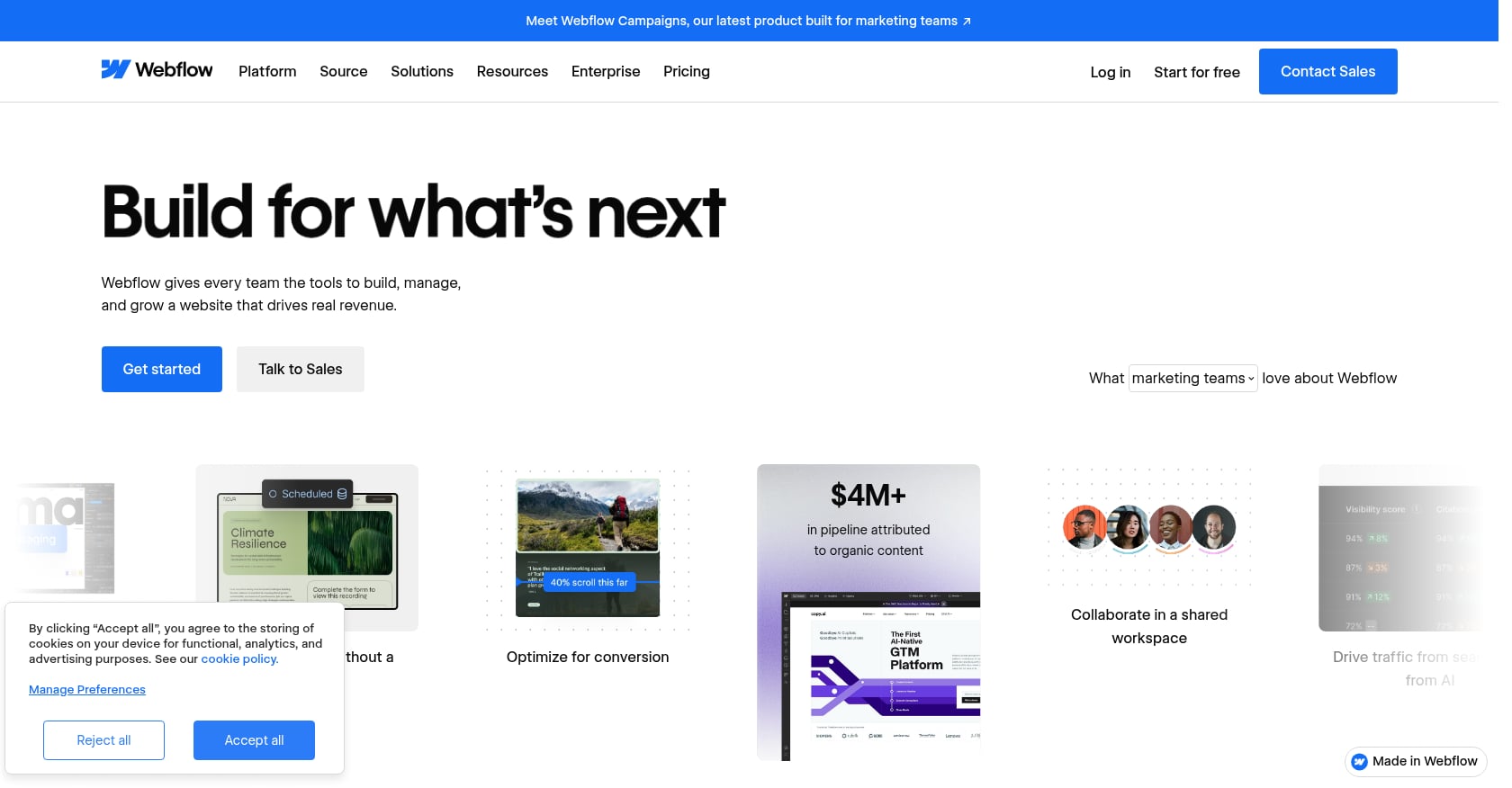
Best for: Designers, agencies, and marketing teams who want pixel-level control without writing code manually.
Webflow sits between traditional website builders and hand-coded sites. It generates clean, semantic HTML and CSS through a visual interface, which means better performance and SEO than most drag-and-drop builders produce. Reddit community consensus tends to position Webflow as “what most people upgrade to after outgrowing Wix.”
Pricing (post-May 2026 simplification):
- Starter: Free (staging only, Webflow subdomain)
- Basic: $15/mo (annual)
- Premium: $25/mo (annual, merged from the old CMS and Business tiers)
On May 13, 2026, Webflow consolidated its plans, which simplified things. But the real monthly cost is often higher. A typical five-person B2B marketing team pays $158 to $260/mo once you factor in workspace plans, per-seat fees, and add-ons.
Key features:
- Visual CSS/HTML builder with no code abstraction
- Code export capability (you can actually take your site elsewhere)
- Built-in CMS for content-driven sites
- Clean semantic output that search engines love
- Extensive interactions and animations
Real user perspective: Webflow users consistently praise its design freedom, stronger SEO tools, and better scalability compared to Wix. The learning curve, though, is real. Multiple forum threads warn newcomers to budget several weeks for getting comfortable.
Tradeoffs:
- Steep learning curve, significantly harder to pick up than Wix or Squarespace
- Pricing layers stack up quickly for teams
- Free plan is for staging only, not a live production site
When to pick this over Wix: You’re a designer or developer (or work with one) and want the control of custom code with the speed of a visual builder. The output quality is in a different league than Wix.
5. Framer
Best for: Startups and designers building modern landing pages, marketing sites, or design-forward portfolios.
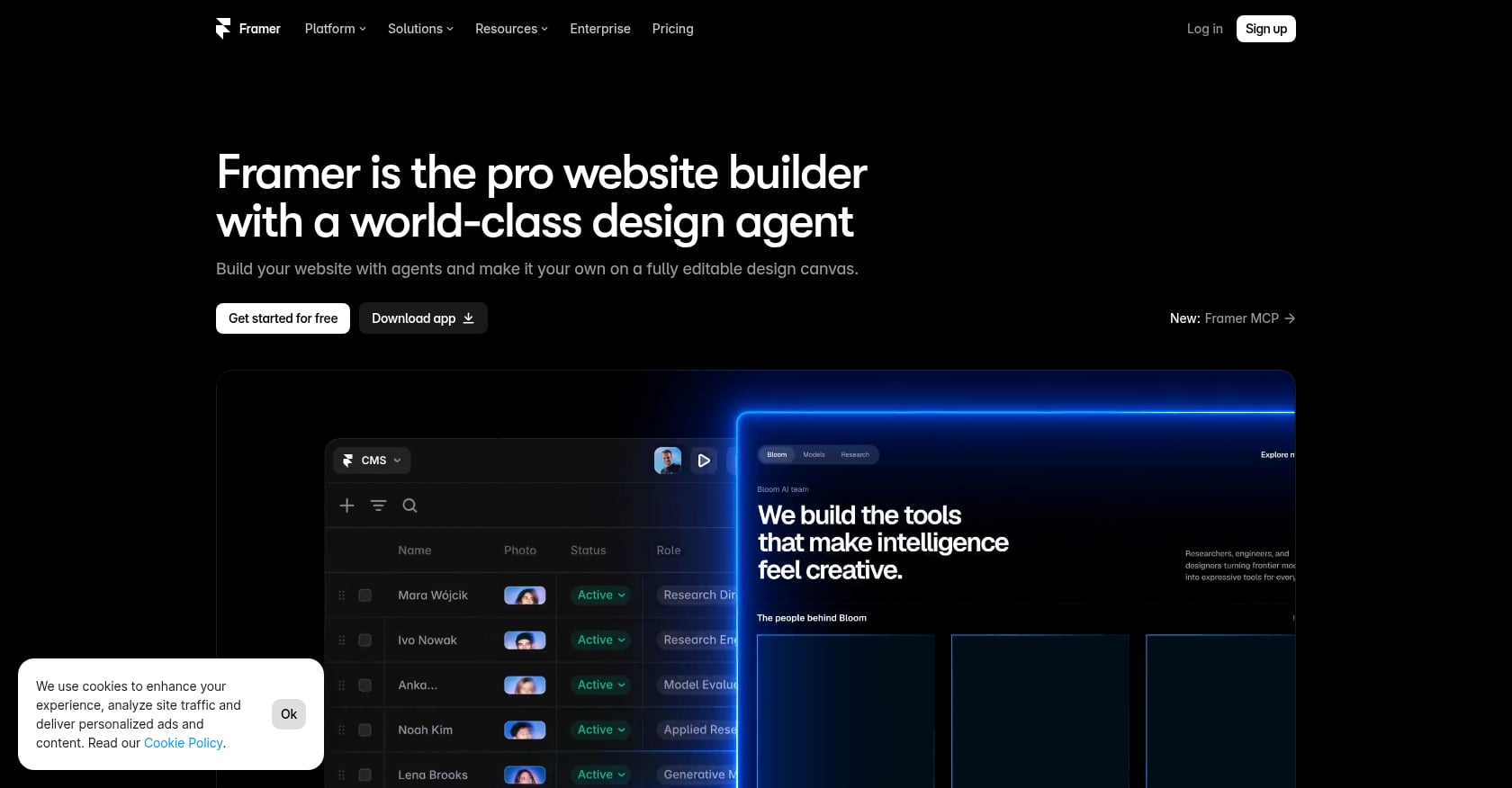
Framer has emerged as one of the most exciting alternatives to Wix for anyone who cares deeply about visual quality. Its design control rivals Webflow’s, but the interface feels more intuitive for people coming from tools like Figma.
Pricing (post-June 2026 update):
- Free: $0 (Framer subdomain, limited pages)
- Basic: $10/mo (annual) or $15/mo (monthly)
- Pro: $30/mo (annual) or $45/mo (monthly)
Key features:
- Design-first visual builder with advanced animations and interactions
- AI credits included for content generation
- Interactive components without code
- Fast page loads due to static site generation
- Figma-like interface that designers already understand
Real user perspective: Reviews consistently call Framer’s design quality its biggest advantage, noting that “no other website builder gives you this level of visual control without writing code.” It’s a strong fit for marketing sites, landing pages, and brand-led websites where visual polish matters most.
Tradeoffs:
- No native ecommerce. If you need a store, look elsewhere.
- Per-site pricing adds up for agencies managing multiple client sites.
- Extra editors cost $20/mo each, content-only editors $10/mo, and AI credits don’t roll over month to month.
- Weak fit for very large content libraries or web applications.
When to pick this over Wix: You’re building a marketing site or portfolio where design quality is the primary differentiator, and you don’t need ecommerce or a complex CMS.
6. Hostinger Website Builder
Best for: Budget-conscious users who want the cheapest path to a live, professional-looking website.
If price is your main reason for exploring Wix alternatives, Hostinger deserves a look. Independent testing of 12 website building platforms found Hostinger’s entry prices sit significantly below the industry average of $15 per month.
Pricing:
- Starts at $2.99/mo, but that requires a 48-month (4-year) prepaid commitment
- Month-to-month: $11.99/mo
- Renewals run $10.99 to $25.99/mo depending on the plan
- Free domain included for the first year
Key features:
- AI website generation that creates a draft site from a text prompt
- Drag-and-drop editor
- 0% transaction fees on Business plan
- 150+ templates
- Hosting, domain, and builder bundled together
Real user perspective: Budget shoppers appreciate the all-in-one pricing, but forum discussions frequently flag the renewal price jump. The $2.99 headline only holds if you’re willing to pay roughly $144 upfront for four years.
Tradeoffs:
- The low price requires a 48-month prepayment. That’s a big commitment.
- Missing features include member areas and advanced SEO tools.
- No free plan at all.
- Template selection is smaller than Wix or Squarespace.
When to pick this over Wix: You know you’ll need a website for years, want everything bundled at the lowest possible price, and don’t need advanced features. Just go in with your eyes open about what renewal costs.
7. Shopify

Best for: Anyone whose primary goal is selling products online, whether physical goods, digital downloads, or subscriptions.
If ecommerce is the reason you’re looking at alternatives to Wix, the conversation starts and often ends with Shopify. Practitioners on Reddit consistently recommend Shopify for serious ecommerce businesses over Wix, and the platform’s 8,000+ app ecosystem reflects its singular focus on helping people sell things.
Pricing:
- Basic: $29/mo
- Shopify: $79/mo
- Advanced: $299/mo
- 3-day free trial only
Key features:
- Full-featured store management (inventory, shipping, taxes, discounts)
- 8,000+ apps for every conceivable store need
- Multi-channel selling (Instagram, Facebook, Amazon, TikTok)
- Built-in point-of-sale for physical retail
- Abandoned cart recovery on all plans
Real user perspective: As one widely shared assessment puts it: “If your primary goal is eCommerce, Shopify is a far better option than Wix.” The depth of store management tools simply isn’t comparable.
Tradeoffs:
- Overkill and overpriced for personal sites, portfolios, or content-first websites
- Transaction fees apply unless you use Shopify Payments exclusively
- Not designed for blog-heavy or content-driven sites
- The monthly cost is the highest on this list for non-ecommerce use
When to pick this over Wix: You’re building a store first and everything else second. Shopify’s entire platform is engineered for selling, and it shows in every feature.
8. Carrd
Best for: Ultra-simple one-page sites, link-in-bio replacements, indie product launches, and event microsites.
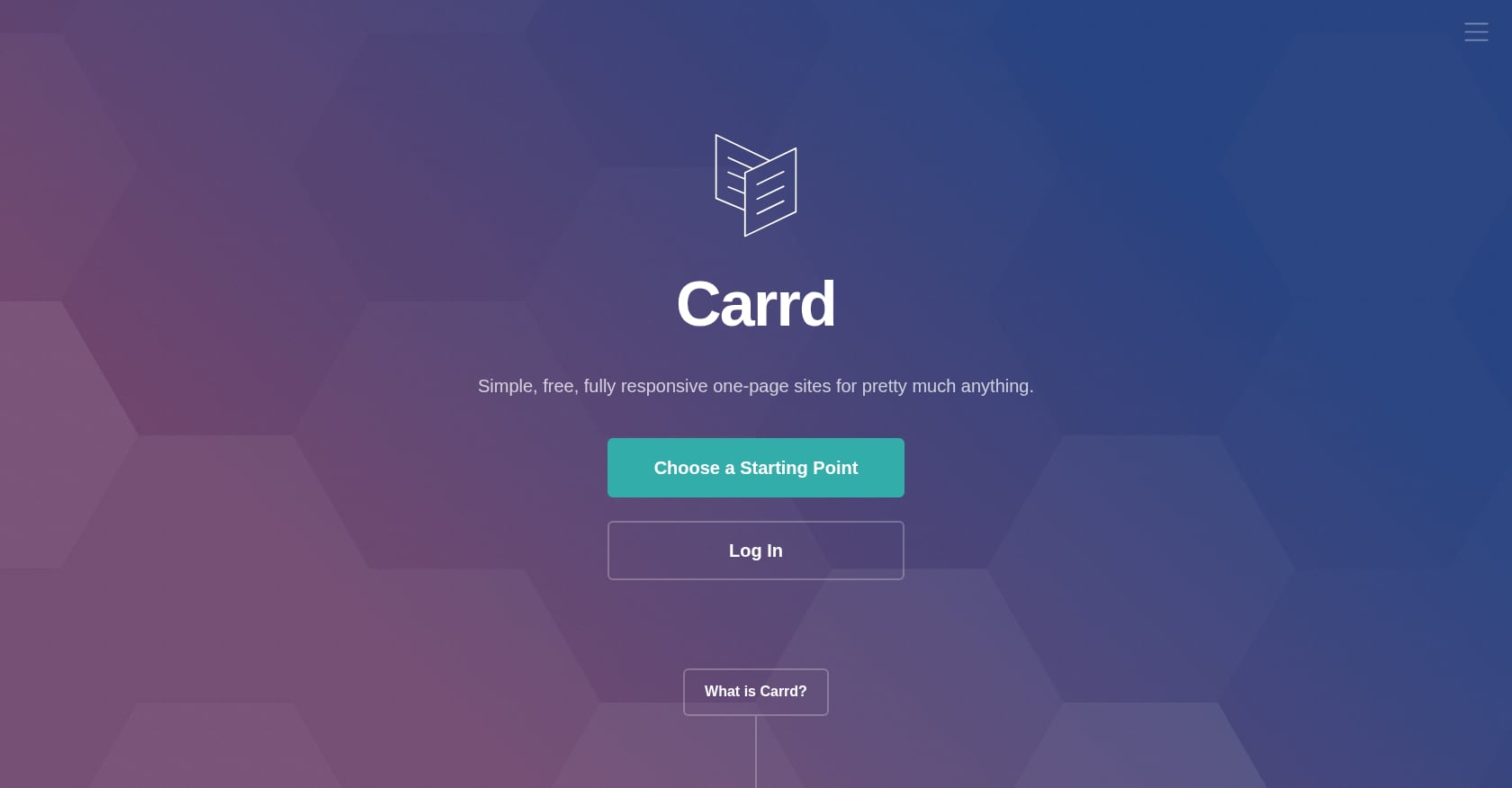
Carrd is the minimalist’s answer to website building. It does one thing, single-page sites, and does it at a price that barely registers on a bank statement.
Pricing:
- Free: $0 (3 sites, Carrd subdomain)
- Pro Lite: $9/year
- Pro Standard: $19/year (custom domain, forms, widgets)
- Pro Plus: $49/year (25 sites, more features)
For context, Carrd’s annual Pro Standard price ($19) is less than one month of Wix’s cheapest ad-free plan ($17/mo).
Key features:
- Dead-simple one-page editor with scrollable sections
- Embeds for Stripe, PayPal, Typeform, and other third-party tools
- Responsive by default
- Extremely fast load times (minimal code)
- Custom domain support on paid plans
Carrd is strongest at “simple personal sites, landing pages, link-in-bio replacements, indie launches, and conference microsites.” If that describes what you need, nothing else on this list matches the value.
Tradeoffs:
- Single-page only. No multi-page sites, period.
- No native blog, CMS, or content management system
- No phone or chat support
- Design flexibility is limited compared to full builders
When to pick this over Wix: You need something live in 20 minutes, it only needs to be one page, and you’d rather spend $19 per year than $204. For users who need more interactivity on their personal page, like an AI chatbot that answers visitor questions, a tool like KnolMe might serve you better at a similar price point.
How to Choose the Right Wix Alternative
After looking at eight options, the decision comes down to three questions.
What are you building?
A personal profile or portfolio doesn’t need a full website builder. Tools like KnolMe or Carrd are purpose-built for that use case and cost a fraction of what Wix charges. A content-heavy blog or business site points toward WordPress or Squarespace. An online store means Shopify.
What’s your real budget?
Be honest about total first-year costs, not just headline prices:
| Platform | Realistic First-Year Cost |
|---|---|
| Carrd Pro Standard | $19 |
| KnolMe Pro | $36 |
| Hostinger (48-mo plan) | ~$36 + renewals later |
| Framer Basic | $120 |
| Webflow Basic | $180 |
| Squarespace Basic | $228 |
| Wix Light | $204 |
| Shopify Basic | $348 |
How much control do you need?
If you want to own your files and potentially move hosts later, WordPress and Webflow both allow that. If you want zero technical management, Squarespace or KnolMe handle everything for you. If you want to make your profile readable by AI assistants like ChatGPT and Claude, that’s a newer consideration that most traditional builders don’t address.
The right Wix alternative isn’t the most popular one. It’s the one that matches what you’re actually trying to accomplish.
Explore KnolMe’s AI-powered profiles to see if a smart personal page is all you need.
Frequently Asked Questions
Can I transfer my Wix site to another platform?
Not directly. Wix doesn’t offer site export functionality. You’ll need to manually recreate your site on the new platform and copy content over (text, images, blog posts). Some migration services exist for WordPress specifically, but expect manual work regardless of where you’re moving.
What’s the cheapest Wix alternative with a custom domain?
Carrd at $19 per year (Pro Standard) is the cheapest option that supports a custom domain. KnolMe Pro at $2.99/mo ($36/year) is the next most affordable, and it includes AI profile generation, a digital twin chatbot, and rich media embeds. Both are significantly cheaper than Wix’s $17/mo Light plan.
Is there a free Wix alternative that doesn’t show branding?
KnolMe’s free plan includes one profile with 80 AI credits per month and no time limit. WordPress.org is free software (you pay only for hosting). Carrd and Framer both have free tiers but display platform branding. For a branding-free experience on KnolMe, the Pro plan at $2.99/mo removes it.
What’s the best Wix alternative for a personal portfolio?
It depends on complexity. For a simple, AI-generated professional profile, KnolMe builds one automatically from your existing URLs, resume, or GitHub. For a design-heavy visual portfolio, Squarespace or Framer offer more layout options. For maximum customization, Webflow gives pixel-level control.
Is Webflow really better than Wix for SEO?
Webflow generates cleaner semantic HTML, gives you more control over meta tags and site structure, and tends to produce faster-loading pages. These are meaningful SEO advantages. That said, Wix has improved its SEO tools over the years. The difference is most noticeable for competitive keywords where page speed and code quality matter at the margins.
Should I worry about Wix’s 2026 layoffs?
The layoffs alone don’t mean Wix is going away. It remains a publicly traded company with millions of users. But the layoffs coincided with Wix’s own acknowledgment that AI poses threats to its core website-building business. If platform stability over the next 3 to 5 years matters to you, it’s worth factoring in, especially if you’re about to invest significant time building on the platform.
Do I actually need a website, or is a profile page enough?
Many people searching for Wix alternatives discover they were overbuilding. If your goal is to share your work with recruiters, clients, or collaborators, a single well-designed profile page often does the job better than a multi-page website nobody scrolls through. Tools like KnolMe are built for exactly this scenario, with AI that imports your content from existing sources and creates a shareable page in seconds.
Can I use a Wix alternative for my small business?
Absolutely. Squarespace is the most popular choice for small businesses that need a polished online presence. WordPress offers the most flexibility for businesses that plan to scale. And Shopify is the clear winner if your business revolves around selling products. Match the tool to what your business actually needs rather than picking the most well-known name.