How to Make a Privacy-Controlled Portfolio for 2026
TL;DR
Most professionals searching for a new job are doing it while still employed, which means your portfolio needs to impress recruiters without alerting your current boss. This guide walks through 10 steps to build a privacy-controlled portfolio for sensitive job searches, covering everything from LinkedIn lockdown tactics to NDA-safe case studies, platform selection, and post-setup testing. The key principle: protect sensitive projects individually rather than password-gating your entire site, and use tools with per-project access controls and search engine blocking built in.
Why You Need a Stealth Portfolio (And Why It’s Harder Than It Sounds)
A 2026 PwC Global Workforce survey found that 62% of global employees are actively considering a job change within the next 12 months, with the number climbing to 71% among tech workers. At the same time, 68% of hiring managers check candidates’ personal websites or portfolios during screening. So skipping the portfolio isn’t an option. But building one when you’re currently employed creates two distinct privacy problems:
- Search privacy: Your current employer discovers you’re looking.
- Content privacy: You share work covered by NDAs, internal agreements, or confidentiality expectations.
Most advice online addresses one of these problems. This guide addresses both, with actionable steps and real platform comparisons focused specifically on privacy features.
Build a private portfolio in 30 seconds with KnolMe
Portfolio Platform Privacy Comparison: At a Glance
Before diving into strategy, here’s a quick comparison of major platforms evaluated specifically for privacy controls. Most portfolio comparisons focus on templates and pricing. This one focuses on what matters for a sensitive job search.
| Platform | Starting Price | Per-Project Password | Custom Domain | Search Engine Blocking | AI Features | Best For |
|---|---|---|---|---|---|---|
| KnolMe (Pro) | $2.99/mo | Yes (private access control) | Yes | Yes | AI-built profile, digital twin, voice | Privacy-first speed |
| Wix | $0 (free tier) | Yes (gallery-level) | Yes (paid plans) | Manual via settings | AI site builder | Budget flexibility |
| Cargo | ~$14/mo | Yes (site or project) | Yes | Manual | No | Design-forward creatives |
| Adobe Portfolio | Free with CC ($10+/mo) | Yes (page-level) | Yes | Manual | No | Adobe ecosystem users |
| Squarespace | $16+/mo | Page-level only | Yes | Manual | Limited | General websites |
| Format | ~$9+/mo | Yes (gallery-level) | Yes | Manual | No | Photographers |
Notable gap: Squarespace does not support per-project password protection. Multiple users in Squarespace’s own community forums have flagged this, with one writing: “This should 100% be a functionality. I wish I had known this before creating my site. I would have chosen a different platform.” If granular access control matters to you (and for a stealth job search, it does), Squarespace is the wrong choice.
Now, the 10 steps.
1. Audit Your Digital Footprint Before Building Anything
Before creating anything new, figure out what already exists. Google your full name, your name plus your job title, and your name plus your employer. Check what shows up on the first three pages.
Set up Google Alerts for your name so you’re notified whenever new mentions appear. Review what’s publicly visible on LinkedIn, GitHub, Behance, Dribbble, and any other platform where you’ve posted work. If you have old portfolio sites or abandoned project pages floating around, either delete them or lock them down.
The goal here is awareness. You can’t control privacy if you don’t know what’s already exposed. Practitioners on Reddit frequently mention discovering old Behance projects or cached portfolio pages they’d forgotten about, which could tip off an employer monitoring employee names online.
If your online presence is scattered across multiple platforms, consolidating everything into one shareable profile page gives you a single point of control rather than a dozen loose ends.
2. Lock Down LinkedIn Without Going Dark
Over 90% of recruiters use LinkedIn as their primary candidate evaluation tool, so disappearing from the platform isn’t smart. Instead, adjust your settings surgically.
Turn off activity broadcasts. This is the setting that notifies your connections every time you update your headline, add a new role, or change your profile photo. Go to Settings > Visibility > Share profile updates and toggle it off. Your connections (including your boss and coworkers) don’t need to know you just rewrote your summary.
Enable “Open to Work” in recruiter-only mode. LinkedIn’s data shows that users with this feature enabled received 52% more InMail messages from recruiters and saw a 38% higher profile view rate compared to similarly qualified profiles without it. The recruiter-only setting hides this signal from recruiters at your current company (LinkedIn blocks them based on company association), though it’s not foolproof if your company uses a third-party recruiting agency.
Drip your changes. Even with activity broadcasts off, making 15 profile changes in one day can look suspicious if someone manually checks your profile. Space out edits over two to three weeks. Update your headline one week, add a project the next, revise your summary the week after.
Restrict connection visibility. Set your connections list to “only you” so no one can see which recruiters or hiring managers you’ve recently connected with.
3. Choose a Hybrid-Privacy Architecture (Not All-or-Nothing)
This is where most people get the strategy wrong. The instinct is to password-protect your entire portfolio. But hiring managers push back hard against this approach.
A recruiter on Glassdoor shared that they find full-site passwords “kind of annoying and will move on to others unless I’m really curious about the person based on where they’ve worked.” A hiring manager on Blind was even more blunt: “I allot 5 mins to look over a portfolio, and if I can’t open it, then on to the next one.”
The consensus from practitioner communities across Glassdoor, Blind, and Reddit is clear: don’t password protect the whole site. If there’s a sensitive piece, just password protect that part. This was the most upvoted advice across multiple platforms.
The right architecture looks like this:
- Public “hook” layer: Your bio, skills, non-sensitive work samples, and a brief overview of your experience. This is what recruiters see immediately with zero friction.
- Private “deep” layer: NDA case studies, proprietary metrics, strategy documents, and anything your employer could trace back to you. These individual projects sit behind access controls.
A Microsoft hiring manager confirmed this approach works: “I typically expect certain projects to be password protected. As long as the pw is easily accessible in the resume, it’s no problem.”
KnolMe’s Pro plan supports exactly this hybrid model through its private access control feature, letting you keep some content open and restrict other sections to authorized viewers only.
To see what this kind of layered profile looks like in practice, browse a sample portfolio page and notice how projects can be organized for selective visibility.
4. Handle NDA Work Like a Professional
NDAs vary wildly in scope. Some prohibit sharing any visual assets. Others only restrict client names and financials. Before building anything, reread your actual agreement. What you think your NDA says and what it actually says are often very different.
Get written permission when possible. A verbal “yeah, you can show that” from your manager won’t protect you if legal gets involved. Send an email asking specifically which elements you can showcase, and keep the reply.
This is especially critical in regulated industries. Most pharma clients prohibit agencies from sharing work entirely, and major financial institutions like Citi, Chase, and AmEx have it written into their agency contracts that work can’t be displayed without explicit written permission.
When permission isn’t an option, here are the proven approaches from practitioners:
Anonymize and modify. Use a dummy logo, change the branding, swap out exact numbers for percentages, and write a disclaimer stating you’ve modified details to protect the company. One designer on a UX forum explained they “recreated entire projects on a personal laptop, using fictitious names, custom style guides, and changed client-specific terminologies.”
Focus on process over deliverables. Craft case studies around your design process, problem-solving approach, and outcomes. You don’t need to show the final product to demonstrate your thinking. An experienced portfolio reviewer on Medium warned against the opposite approach: “I have evaluated portfolios of designers in which they simply write the name of the project with a slide that says ‘Details can’t be shared due to NDA.’ This is a bad experience for hiring managers. You should rather not put the project if you can’t share anything but the title.”
Use tiered disclosure. Build three levels of detail:
- Public portfolio: Anonymized case studies and testimonials
- Password-gated section: Recreated visuals and process artifacts
- Interview-only: Full disclosure shared verbally during live conversations
This framework lets you make a privacy-controlled portfolio for sensitive job searches without sacrificing depth for the people who matter.
5. Use an Unlisted, Non-Indexed URL
Even if your portfolio is behind access controls, it shouldn’t be discoverable through a Google search. Here’s how to ensure it isn’t.
Block search engines. Add a noindex meta tag to your portfolio pages or configure your robots.txt file to prevent crawling. Most portfolio platforms offer this as a toggle in their SEO settings.
Choose a clean URL. Don’t use your full name or your employer’s name in the domain. Something like jdcreativework.com is better than janedoe-companyname-portfolio.com. One designer on Blind shared: “Didn’t password protect mine but put it at a URL that’s blocked from search engines so it can’t be crawled.” This approach removes discovery risk while avoiding the friction of passwords.
Use a custom domain. Generic platform URLs (like username.squarespace.com) can be recognizable. A custom domain makes your portfolio look professional while disconnecting it from any platform association. Learn more about what custom domains cost and how to set one up. KnolMe’s Pro plan at $2.99/mo includes custom domain support and removes all platform branding, so there’s nothing tying your portfolio to a recognizable builder.
6. Set Up Per-Project Access Controls
Platform choice matters here more than anywhere else in the process. Not all portfolio builders treat access control equally.
The ideal setup lets you assign different passwords (or access levels) to different projects. A recruiter applying for a healthcare role at your company gets one password that unlocks relevant case studies. A recruiter at a tech startup gets a different one. This way, you control exactly who sees what.
Always include the password in your resume or cover letter. This cannot be overstated. Multiple hiring managers on Blind confirmed the five-minute rule: they spend roughly five minutes per portfolio, and if the password isn’t immediately accessible, they move on. Put it right below the portfolio URL in your resume header.
Consider magic links instead of passwords. One practitioner on Blind suggested: “Instead of pw protect, why don’t designers ask for the email or phone # to send a magic link to.” This approach gives you an audit trail of exactly who accessed your work and when, which is valuable if you need to trace a leak. Some tools also let you set links to expire after a certain number of views or a set time period.
7. Create a Separate Job Search Identity Layer
Your portfolio is only one piece of the puzzle. The surrounding infrastructure matters too.
Dedicated email address. Create a professional-looking Gmail or similar address that you haven’t used before, something like jane.doe.creative@gmail.com. Use this exclusively for job search correspondence. Your work email should never touch this process, and your personal email (which your employer might know) adds unnecessary risk.
Dedicated phone number. Google Voice or a similar service gives you a separate number you can use on applications and with recruiters. This keeps job search calls from appearing on your primary phone in contexts where a coworker might notice.
No cross-linking. Your stealth portfolio URL shouldn’t appear on your LinkedIn profile, your Twitter/X bio, or anywhere else publicly associated with your name. Share it directly with recruiters through private messages or email. If you need a web persona strategy that separates your public and private professional identities, plan it deliberately rather than leaving it to chance.
8. Auto-Build Your Portfolio Fast (So It Stays Updated)
One of the biggest privacy risks isn’t technical. It’s behavioral. When your portfolio is out of date and you suddenly spend a weekend doing a visible rebuild (updating LinkedIn, uploading new projects, tweaking your bio across three platforms), that activity spike can trigger questions.
AI-powered portfolio builders solve this by making creation and updates fast enough to do in small, invisible increments. KnolMe, for example, lets you import content from a URL, a PDF resume, or a GitHub profile and generates a polished page in roughly 30 seconds. AI handles the design and layout, so you’re not spending hours in a drag-and-drop editor.
Create your stealth portfolio now on KnolMe
The practical benefit: you can update one project during a lunch break without anyone noticing a sudden portfolio-building marathon. The portfolio stays current, and the update process stays invisible.
For developers specifically, importing directly from GitHub means your latest commits and projects flow in automatically. See how a developer portfolio looks when built this way.
9. Give Recruiters an Interactive Experience Without Exposing Yourself
Stealth job searches create a communication problem. You can’t take phone calls at your desk. You can’t reply to recruiter emails instantly from your work laptop. Every interaction adds risk.
AI chatbots and digital twins are a newer approach to reducing this surface area. An AI digital twin trained on your portfolio content can answer recruiter questions 24/7, covering topics like your experience, skills, and project details without requiring you to be available in real time.
KnolMe’s digital twin feature lets visitors chat with an AI bot that knows your work history, and optional voice replies (using voice cloning) add a personal touch without requiring live calls during work hours. This means a recruiter browsing your portfolio at 11 PM can get substantive answers without you lifting a finger, and without generating an email thread your employer might someday see.
This also matters for a forward-looking reason. As AI recruitment tools become more common, having a machine-readable portfolio with built-in access controls positions your work to be discoverable by AI agents while still remaining private from human eyes you haven’t authorized. Learn how to let recruiters interact with your work through this kind of AI chat setup.
10. Test Your Privacy Setup Before You Share
This step gets skipped constantly, and it’s the one that catches people. Before sending your portfolio to a single recruiter, run these checks:
Search engine test. Google your name, your portfolio URL, and any unique phrases from your portfolio (like project titles). If anything is indexed, your noindex settings aren’t working. Wait a week and test again, since de-indexing takes time.
Access test. Ask a trusted friend to try accessing your portfolio without any password or login. Can they see the public layer only? Can they access the private projects? If a restricted project loads without authentication, your access controls are misconfigured.
LinkedIn test. Check that your portfolio URL doesn’t appear anywhere in your LinkedIn activity feed. Update a small element on your LinkedIn profile and verify that no notification goes to your network.
Analytics review. If your platform provides view analytics, check who’s accessed your portfolio after the first week. Any unexpected traffic sources (like your employer’s corporate IP range) are a red flag.
Link audit. Verify that your portfolio doesn’t link back to your LinkedIn, your work email, or any other asset your employer monitors. Cross-links create discovery paths.
The intern problem. One creative on Glassdoor shared a cautionary tale: “I have Apple work in my book, which has to be password protected, and I had an intern copy and paste half my portfolio, including my bio, into theirs.” Password protection and access controls also defend against plagiarism and content theft, not just employer discovery.
Choosing the Right Platform: A Privacy-Focused Breakdown
With the strategy covered, here’s a more detailed look at the platforms that matter most for making a privacy-controlled portfolio for sensitive job searches.
1. KnolMe (Pro)
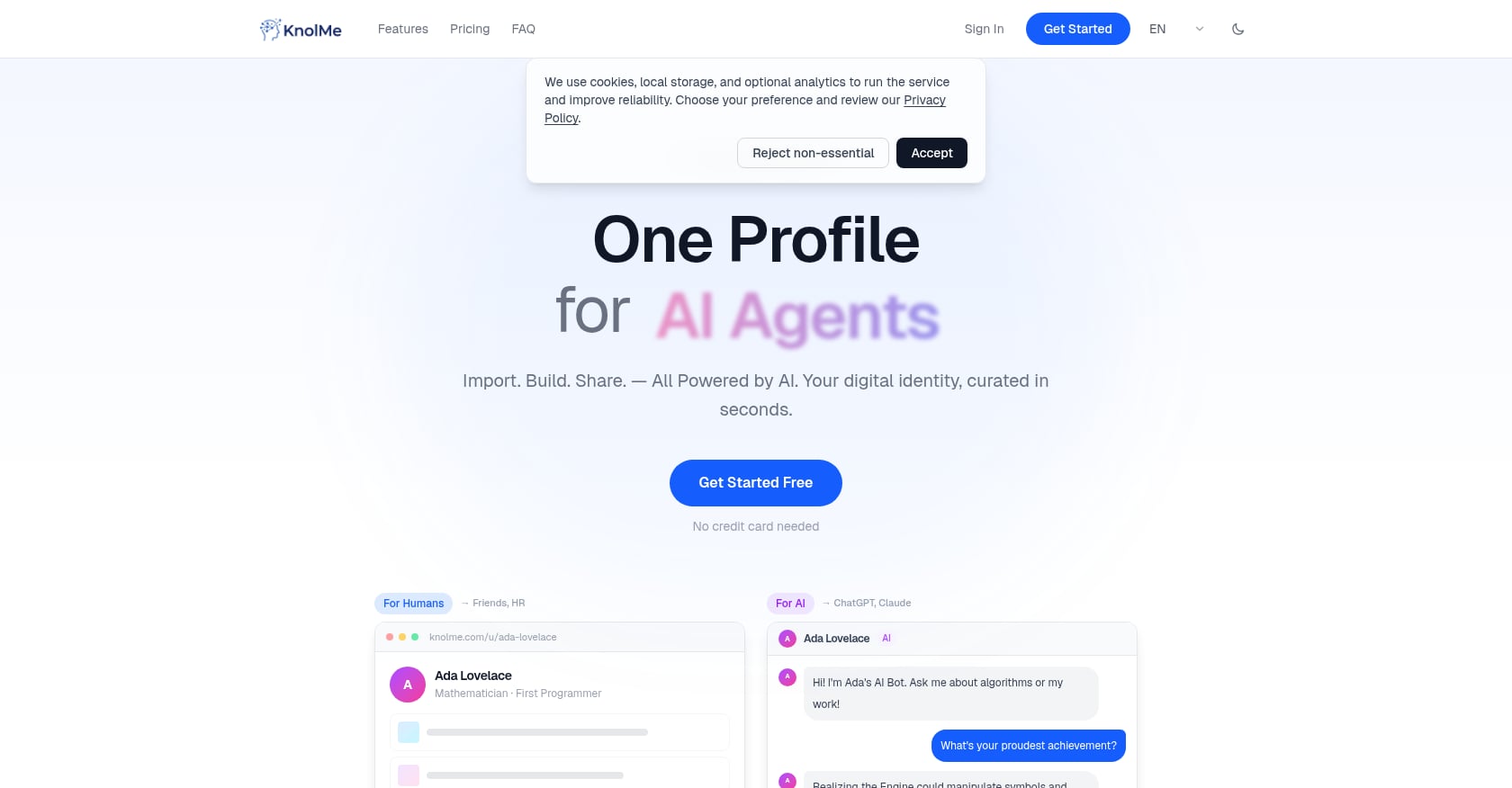
Best for: Professionals who need a privacy-first portfolio built fast with AI.
Pricing: Free plan ($0/mo, 1 profile, 80 AI credits/month). Pro plan ($2.99/mo, up to 20 profiles, 1,000 AI credits/month, private access control, custom domain, no KnolMe branding).
Key privacy features:
- Private access control on the Pro plan lets you restrict who sees your portfolio
- Custom domain support eliminates platform-branded URLs
- No KnolMe branding on Pro removes the “what platform is this” trail
- AI builds your profile from imports (URL, PDF, GitHub) in about 30 seconds
Tradeoffs:
- Not a full website builder (focused on personal profiles, not multi-page sites)
- AI-generated content should be reviewed for accuracy before sharing
- Newer platform with less brand recognition than established builders
Why it fits stealth searches: The combination of speed, built-in access controls, custom domains, and the AI digital twin makes it purpose-built for the hybrid-privacy architecture described in Step 3. At $2.99/mo, it’s also the least expensive option with full privacy controls.
Start building your private portfolio on KnolMe
2. Cargo
Best for: Design-focused creatives who want strong visual presentation with project-level passwords.
Pricing: Free plan available. Paid plans from ~$14/mo.
Key privacy features:
- Password protection at either the site level or individual project level
- Custom domain support
- Clean, minimal templates that emphasize visual work
Tradeoffs:
- No AI features for auto-building or interactive elements
- Higher price point than KnolMe for comparable privacy features
- Less suited for non-design professionals (developers, product managers)
Practitioner perspective: Cargo is frequently recommended in design forums for portfolios that need to look polished while keeping certain projects locked. Its project-level controls are well-implemented.
3. Adobe Portfolio
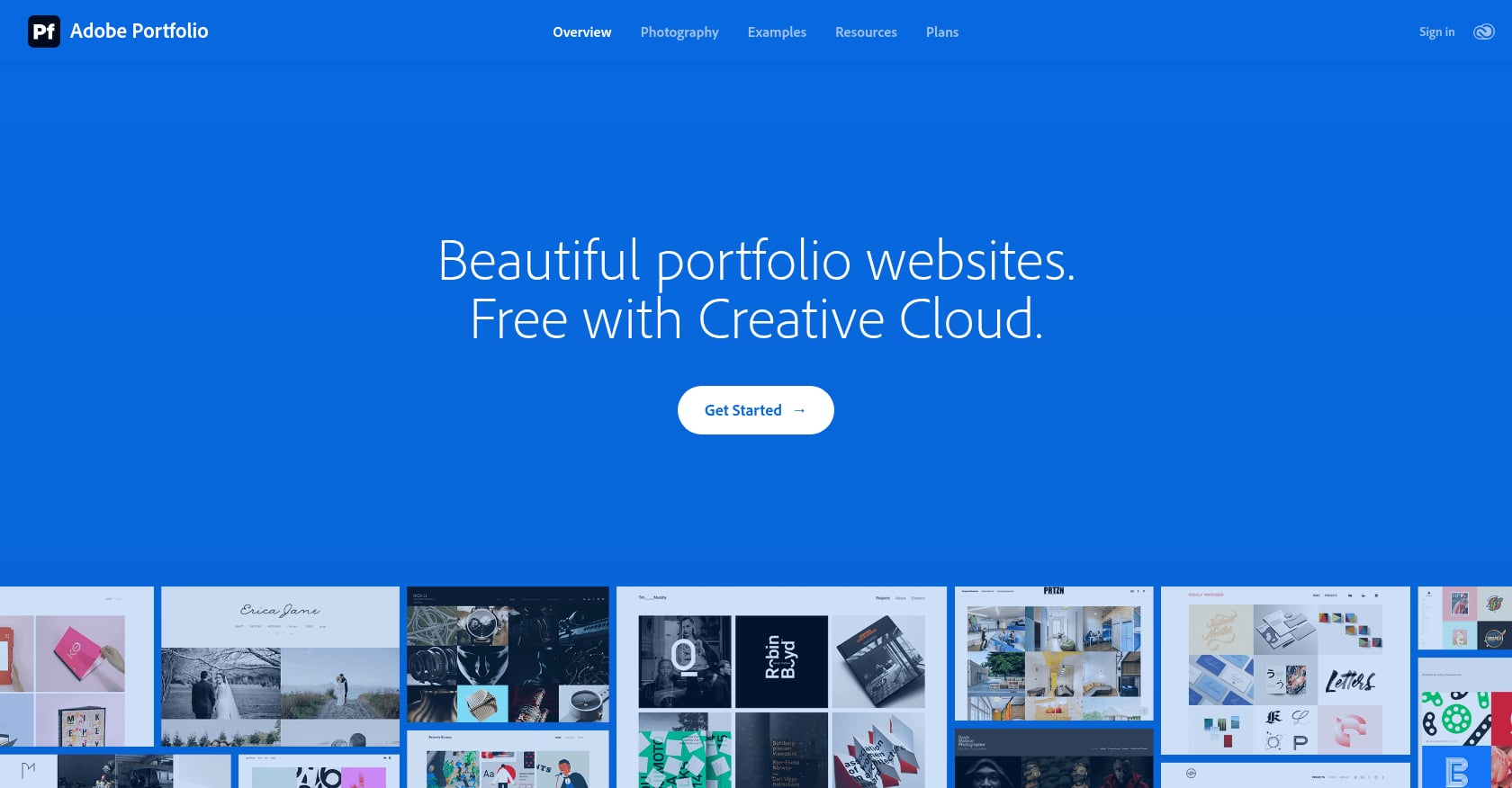
Best for: Professionals already paying for Adobe Creative Cloud.
Pricing: Free with any Creative Cloud subscription ($10+/mo for a single app, $55+/mo for all apps).
Key privacy features:
- Password-protected individual pages
- Custom domain support
- Integrates natively with Behance
Tradeoffs:
- Requires an existing Creative Cloud subscription (not cost-effective as a standalone)
- No AI features
- Templates are limited compared to dedicated portfolio builders
- The Behance integration can actually create privacy risks if auto-syncing is enabled
4. Wix
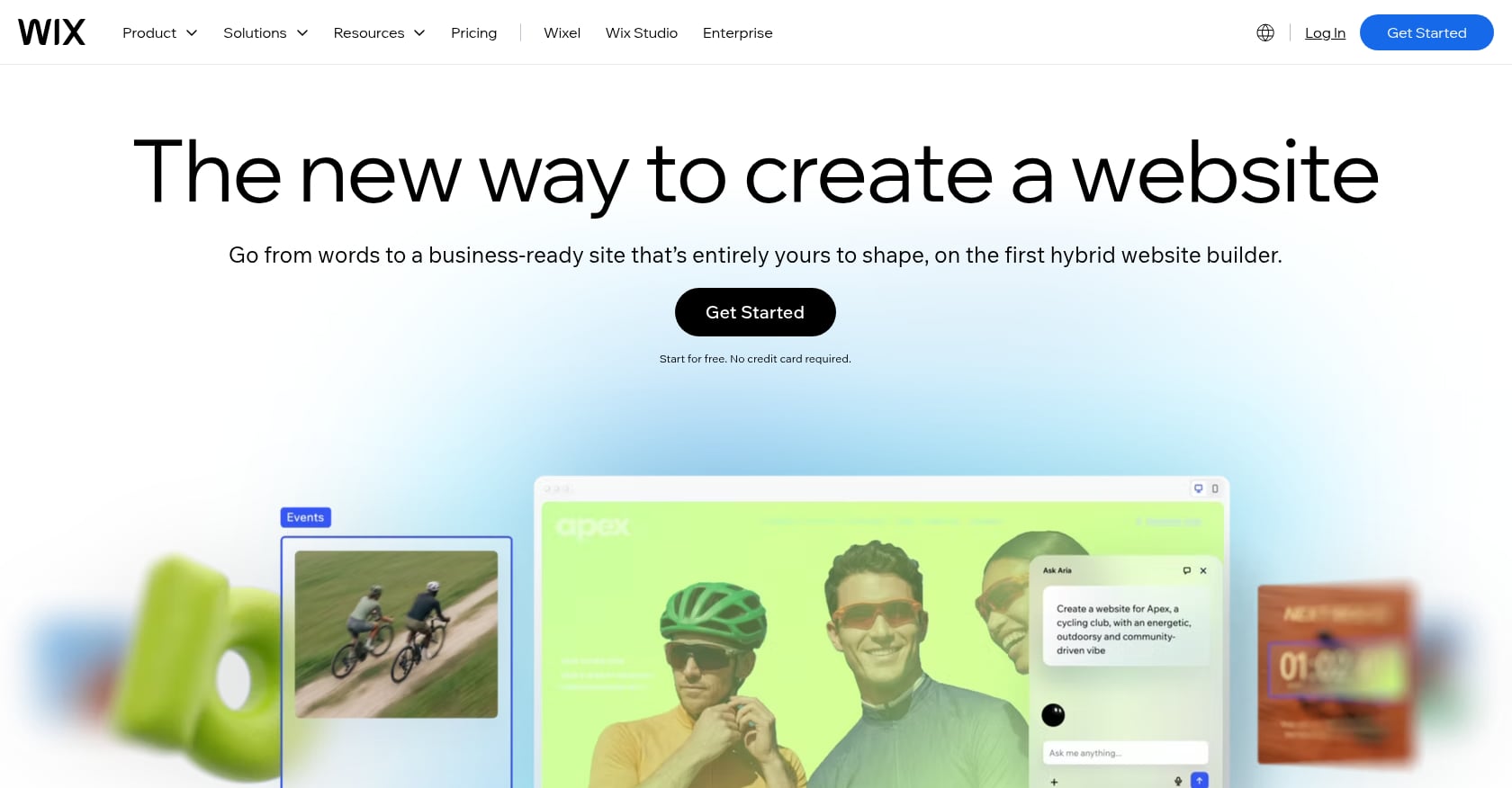
Best for: Budget-conscious job seekers who want maximum template variety.
Pricing: Free plan available with password-protected pages. Paid plans from ~$17/mo for custom domains.
Key privacy features:
- Password protection at the gallery and page level, available even on the free plan
- 500+ templates including 50+ portfolio-specific options
- AI site builder for faster setup
Tradeoffs:
- Free plan includes Wix branding (visible to recruiters)
- The platform is general-purpose, so portfolio-specific features aren’t as refined
- Privacy settings require manual configuration and aren’t default
5. Squarespace
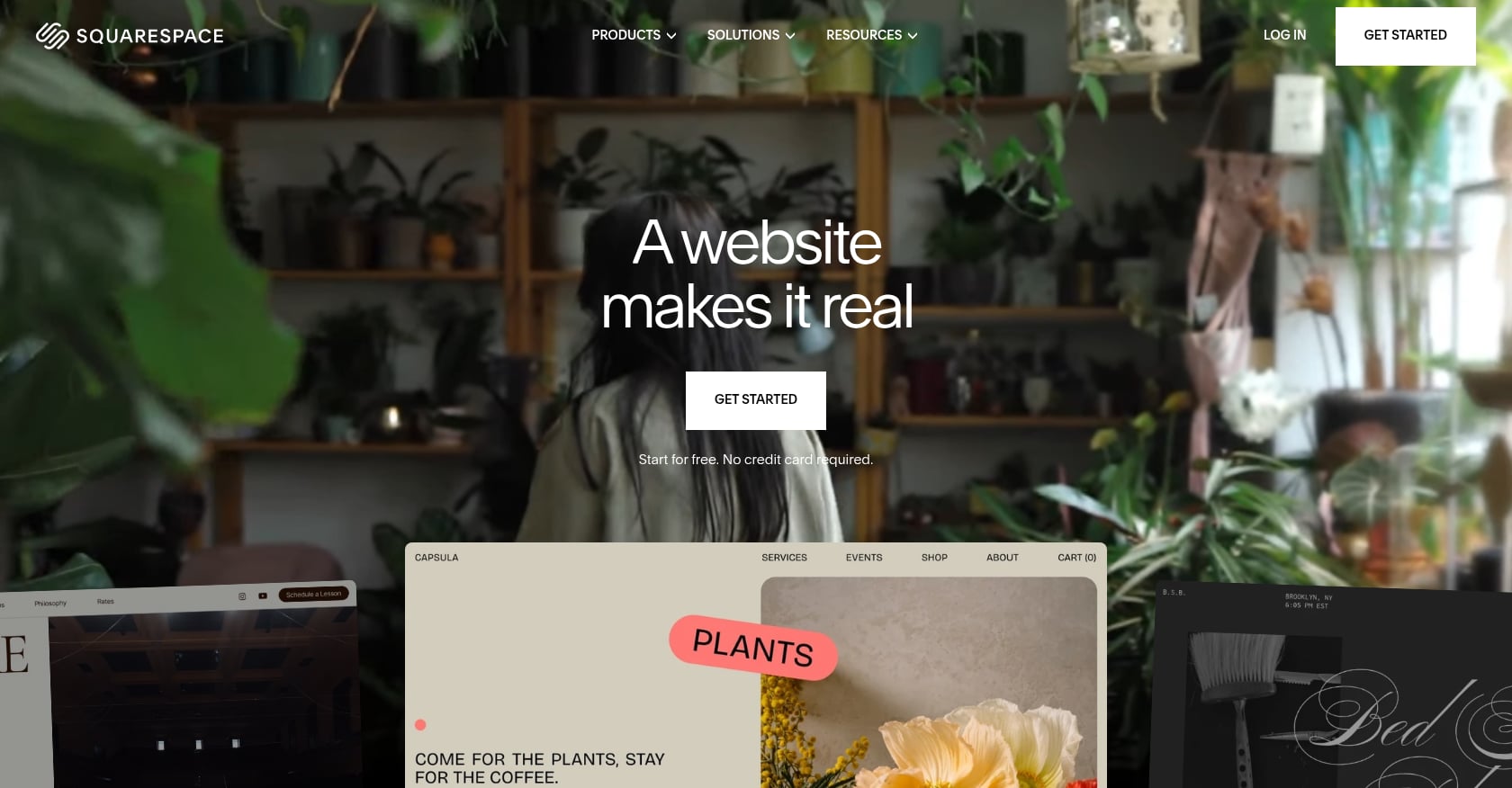
Best for: General websites, but not stealth portfolios.
Pricing: From $16/mo. No free plan.
Key privacy features:
- Page-level password protection
- Custom domain support
- Clean, professional templates
Tradeoffs:
- No per-project password protection (this is a dealbreaker for the hybrid architecture approach)
- Higher starting price with fewer privacy controls than competitors
- No AI features for fast portfolio generation
Bottom line: For professionals making a privacy-controlled portfolio for sensitive job searches, Squarespace’s missing per-project controls make it a poor fit despite its otherwise strong reputation.
FAQ
Can I use a password-protected portfolio on my resume?
Yes, and you should include the password directly on your resume, right below the portfolio URL. Multiple hiring managers have confirmed they expect some projects to be password-protected and have no issue with it, as long as the password is immediately accessible. The friction they object to is having to ask for it.
Will my employer find my portfolio if I use a custom domain?
Not if you configure it correctly. Use a domain that doesn’t contain your full name or your employer’s name, block search engine indexing with a noindex tag, and never link the portfolio from any public profile. Without those discovery paths, there’s no practical way for your employer to stumble on it.
How do I show NDA work without violating the agreement?
Read your NDA carefully to understand its exact scope. Then anonymize the work: use dummy logos, change brand names, replace exact figures with percentages, and focus case studies on your process and problem-solving approach rather than final deliverables. For extremely sensitive work, reserve full disclosure for live interviews only and mention the project in general terms on your portfolio.
Is the “Open to Work” feature on LinkedIn really hidden from my employer?
LinkedIn hides the recruiter-only “Open to Work” signal from recruiters affiliated with your current company. However, it’s not perfect. If your company uses a third-party recruiting agency, those recruiters may still see it. It’s a strong layer of protection, not an absolute guarantee.
Should I password-protect my entire portfolio site?
No. The overwhelming consensus from hiring managers and recruiters is to keep your main site open and only protect individual sensitive projects. A fully locked site creates too much friction. Most recruiters will simply move on to the next candidate rather than deal with a site-wide password.
What’s the cheapest way to build a private portfolio?
KnolMe’s Pro plan at $2.99/mo includes private access control, custom domain support, and AI-powered profile building. Wix offers password-protected pages on its free plan, though you’ll see Wix branding. For a fully branded, access-controlled portfolio at the lowest cost, KnolMe is currently the most affordable option.
How do magic links work as an alternative to passwords?
Instead of sharing a static password, you send a unique, time-limited URL to each recruiter. The link expires after a set period or number of views. This approach eliminates password friction for the recruiter while giving you an audit trail of exactly who accessed your portfolio and when, which is useful if you suspect a leak.
How often should I update my stealth portfolio?
Make small, incremental updates rather than big overhauls. Adding one project or tweaking your bio every week or two is far less conspicuous than a weekend-long rebuild. AI-powered tools that let you import and publish quickly make this kind of maintenance realistic even during a busy workweek.